29
1. Sound Program
The Sound Program is a fundamental function which determines the
instrument’s timbre. The relative Sound Program display shown below
refers to the single Preset selected at the beginning (GrandPiano in this
case). The Main sound is shown selected (negative):
EDIT MENU
MAIN : 1 Grand P1
LAYER : 29 Strings
SPLIT : 44 Ac.Bass
Sound Setting Pg. 1
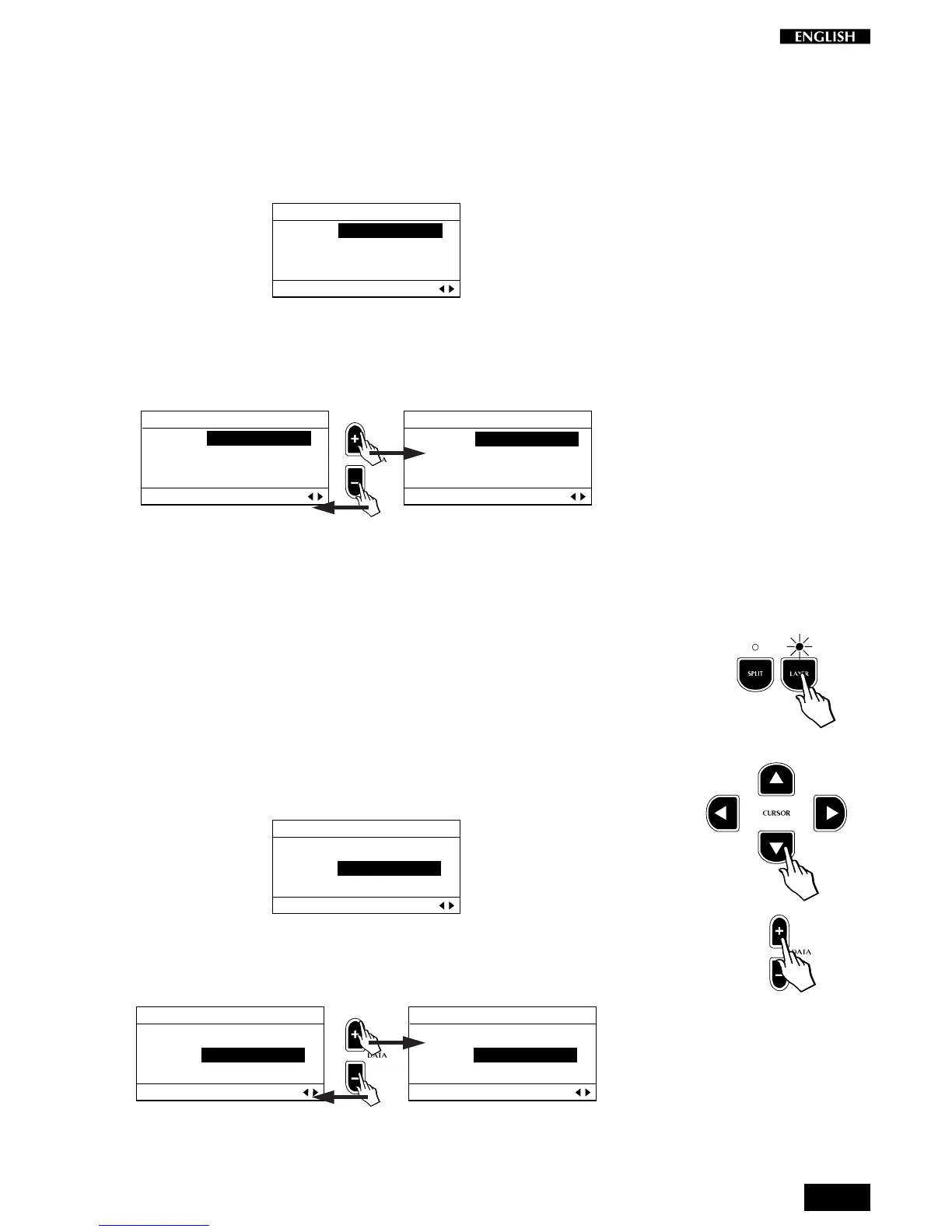
To change the Sound Program of the selected section, simply press the
DATA +/– buttons to select the next or previous Sound Program (see the
complete Sound Program list on page 31).
EDIT MENU
MAIN : 1 Grand P1
LAYER : 29 Strings
SPLIT : 44 Ac.Bass
Sound Setting Pg. 1
EDIT MENU
Main : 2 Grand P2
Layer : 29 Strings
Split : 44 Ac.Bass
Sound Setting Pg. 1
As in all selection procedures, the Sound Program selection is cyclic. The
DATA + button selects in increasing order of Program change while the
DATA – button selects in the reverse order.
Modify the Layer
It is also possible to modify the Layer status of the current Preset.
Note: Whatever changes you make to the Layer section of the current
Preset can be heard only if the Layer button is active (LED on).
With the Sound Program function still active, press the CURSOR Down
button. The programmed Layer sound (in this case Strings) is shown
selected:
EDIT MENU
Main : 3 Upright
Layer : 29 Strings
Split : 44 Ac.Bass
Sound Setting Pg. 1
To change the Layer sound, proceed as already described, by using the
DATA +/– buttons to scroll the Sound Programs.
EDIT MENU
Main : 3 Upright
Layer : 29 Strings
Split : 44 Ac.Bass
Sound Setting Pg. 1
EDIT MENU
Main : 3 Upright
Layer : 30 Slow Str
Split : 44 Ac.Bass
Sound Setting Pg. 1



 To Next Page