55
Midi Menu Page 4
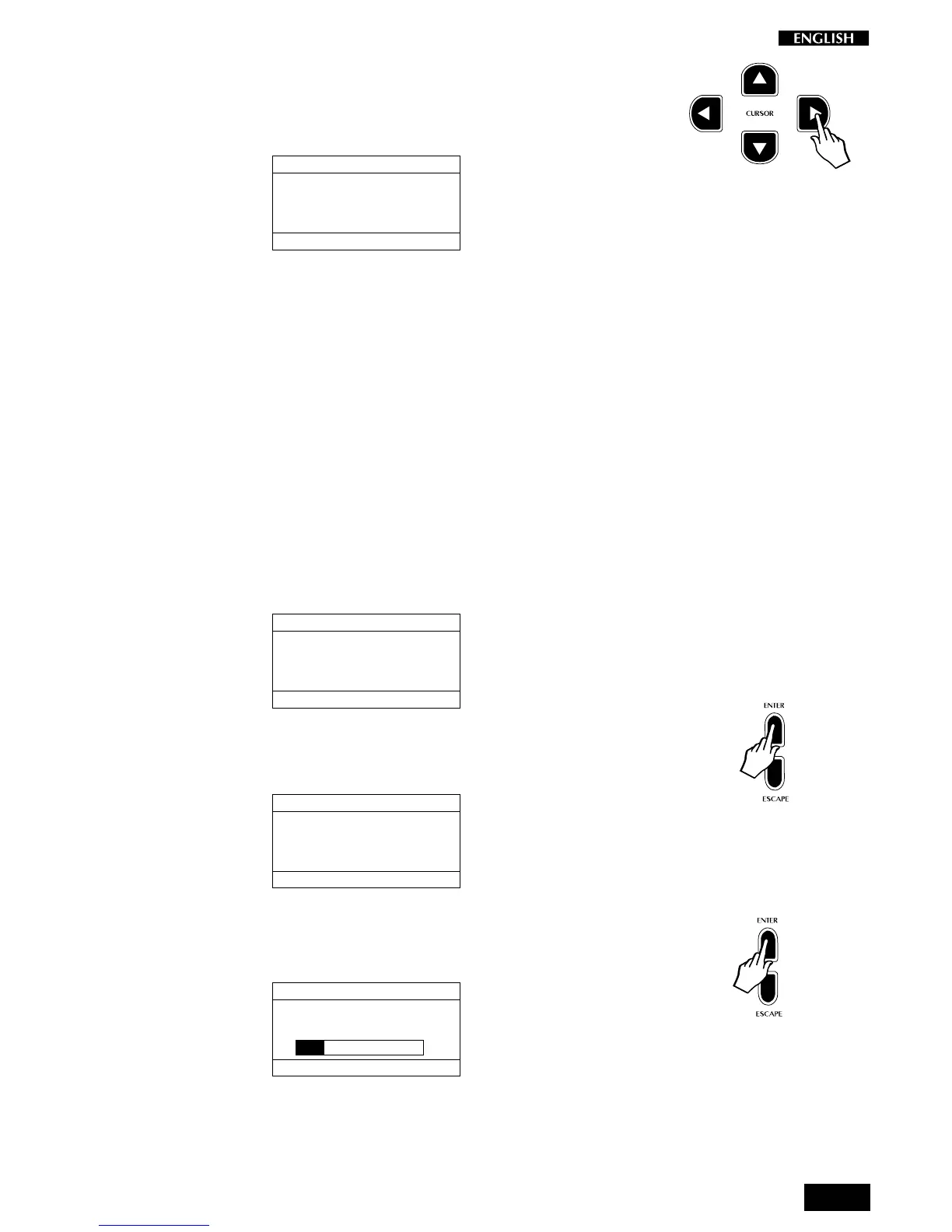
Press the CURSOR RIGHT button to pass to the fourth page of the Midi
Menu: Midi Dump:
MIDI MENU Pg. 4
SELECTION MENU GENERAL : 2
PRESS ENTER TO EXECUTE
PRESET MIDI DUMP
MIDI Dump
Using the MIDI Dump feature, you can send all of the information currently
held in the instrument’s User Preset section to an external storage device
such as a MIDI sequencer, data filer, etc.. Refer to the owner’s manual
of your MIDI software, sequencer or data filer for instructions on how to
receive MIDI dumps from other equipment.
The display will guide you through all the operations required to carry out
a Dump.
Here’s the procedure for sending a MIDI dump:
1. Connect a MIDI cable between the RP220 MIDI OUT and the
storage device’s MIDI IN.
2. Access the MIDI DUMP function as already explained:
MIDI MENU Pg. 4
SELECTION MENU GENERAL : 2
PRESS ENTER TO EXECUTE
PRESET MIDI DUMP
3. Press the ENTER button to activate the first phase of the dump. The
display shows a message requesting confirmation of the procedure:
MIDI MENU Pg. 4
SELECTION MENU GENERAL : 2
PRESS ENTER TO EXECUTE
PRESET MIDI DUMP
ARE YOU SURE?
4. Prepare the storage device to receive a MIDI Dump.
5. Respond with ENTER to start the Dump procedure:
MIDI MENU Pg. 4
SELECTION MENU GENERAL : 2
PRESS ENTER TO EXECUTE
PRESET MIDI DUMP
DUMPING
You will see the dump progress screen until the dump is complete.
The time taken for a MIDI dump depends on the amount of data
being transferred.



 To Next Page