56
When the Dump progress bar disappears from the screen, the MIDI
dump has finished:
MIDI MENU Pg. 4
SELECTION MENU GENERAL : 2
PRESS ENTER TO EXECUTE
PRESET MIDI DUMP
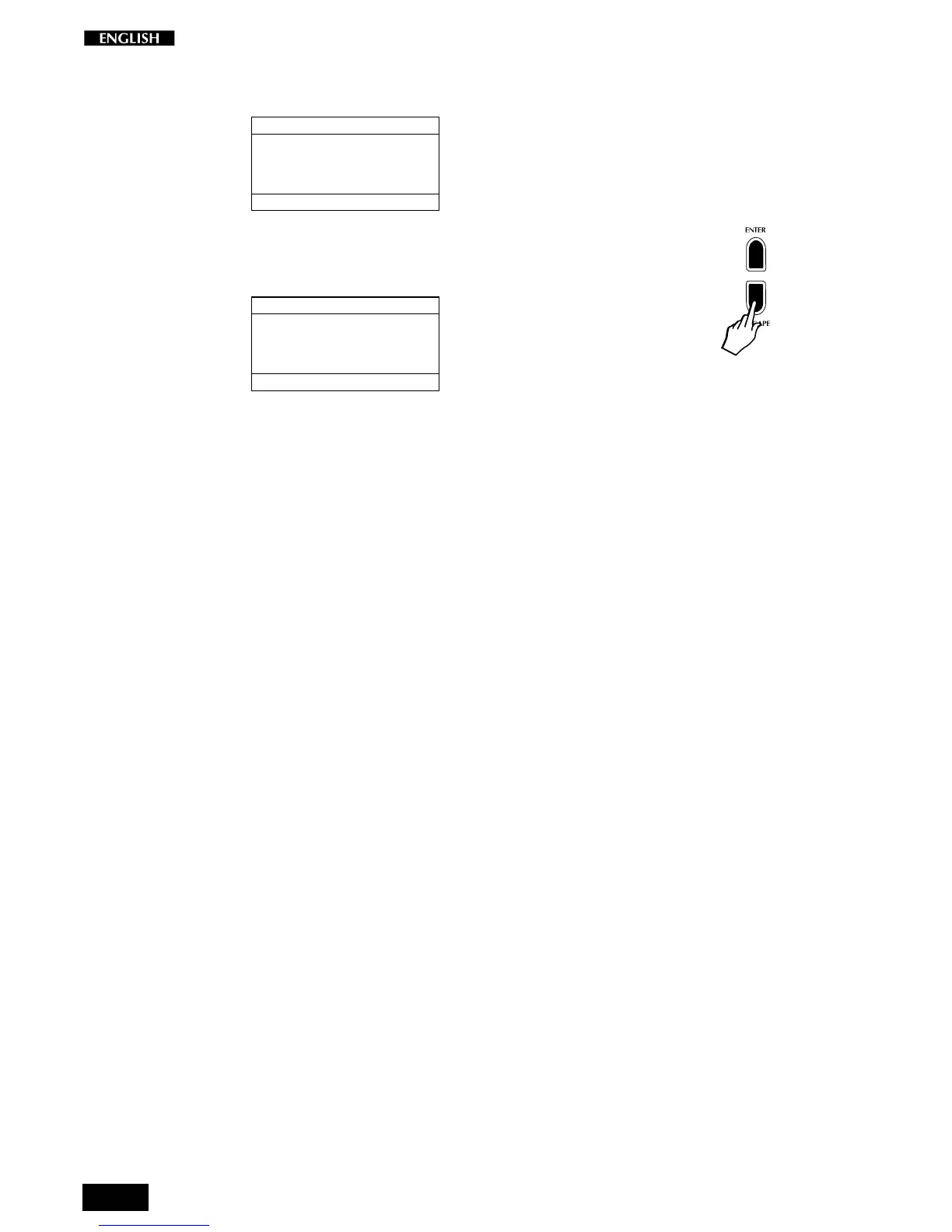
To escape the Midi Menu page and proceed with the selection of other
General parameters, press ESCAPE.
MIDI MENU
SELECTION MENU GENERAL : 2
PRESS ENTER TO
EDIT MIDI PARAMETERS
This returns to the starting page of the Midi Menu, from where you can
proceed with the selection of the next General function.



 To Next Page