5
Power switch and Headphones
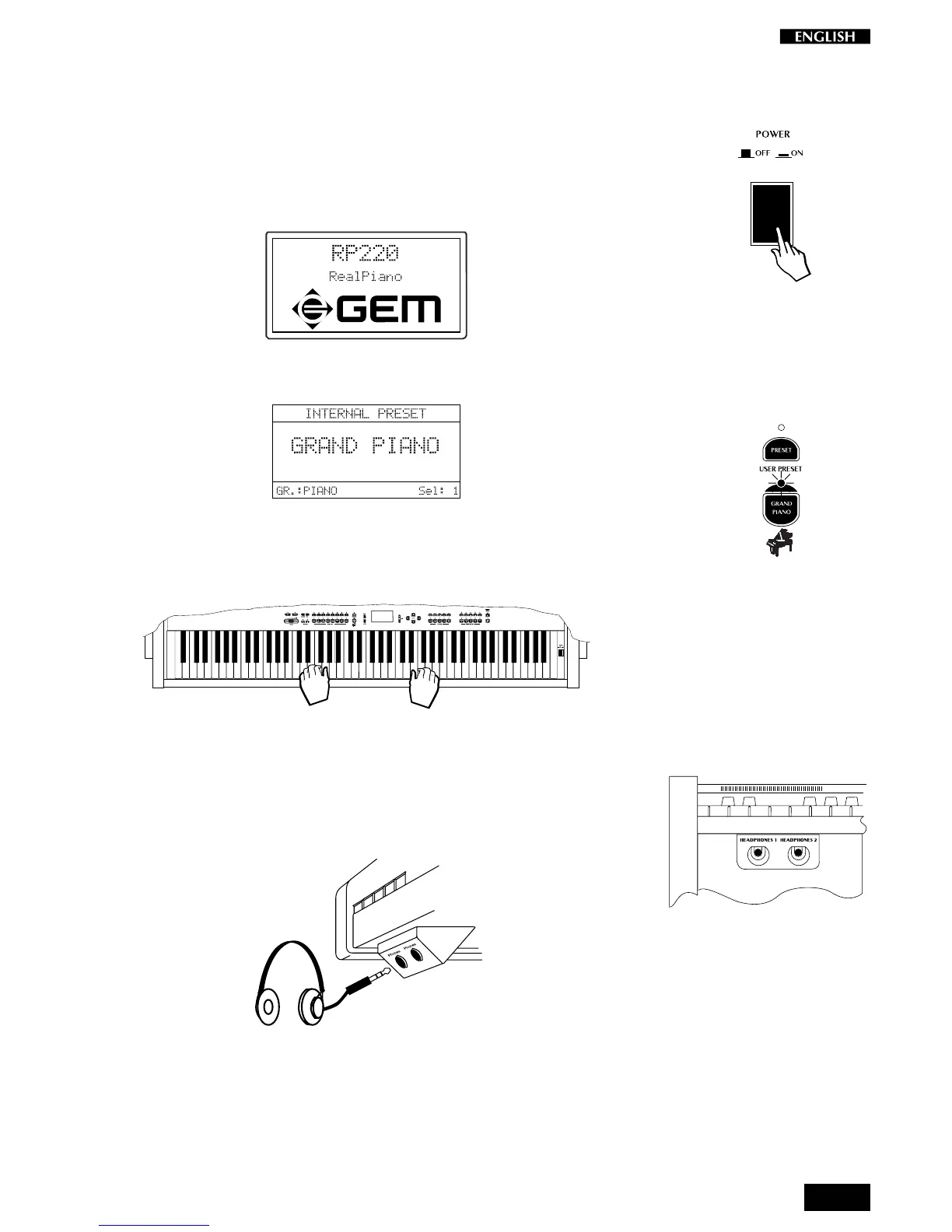
Turn the instrument on
To turn the instrument on, press the Power switch located on the right key
block. After turning on, the name of the instrument appears in the display
for an instant.
Shortly after, the instrument is ready to play the Grand Piano preset.
In this power up condition, you will be able to play a piano sound
(GrandPiano) across the entire keyboard without carrying out other
operations.
<--------------------- Grand Piano --------------------->
Headphone jacks
The he adphone jacks are located at the extreme left side of the rail which
runs beneath the keyboard.
Plugging a set of headphones into the left jack excludes the internal
speakers to allow you to play in total silence without disturbing others in
the same room. Plugging into the right jack does not exclude the internal
speakers.
Use the Volume slider to adjust the Headphones volume.



 To Next Page