27
The Equalizer
The status of the Equalizer can also be independently memorized to the
Presets in addition to the changes made to the Perf Edit menu.
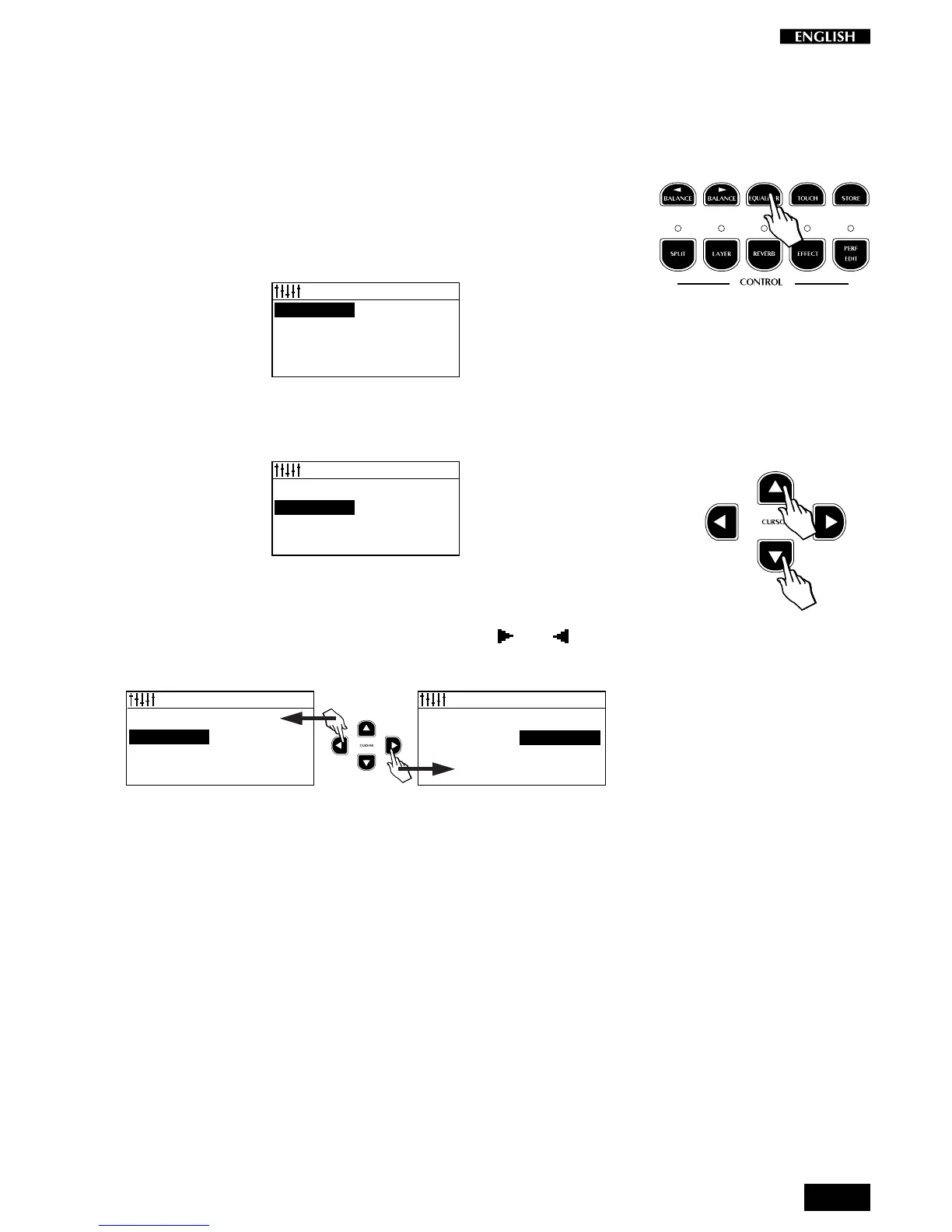
The Equalizer edit is activated by pressing the Equalizer button (in the
Controls section).
Entering the Equalizer shows a menu where it is possible to choose from
8 different Equalizer curves. The selected curve is shown in negative
highlight.
EQUALIZER Pg.1
FLAT EXCITER
BRILLIANCE WARM
PRESENCE COMBO
BASS BOOST ORCHESTRA
Using the Cursor Down button, you can scroll the various curves until you
find the one best suited to your requirements for the current Preset.
EQUALIZER Pg.1
FLAT EXCITER
BRILLIANCE WARM
PRESENCE COMBO
BASS BOOST ORCHESTRA
Using the Cursor Up button scrolls in the opposite direction.
Holding the Cursor Up/Down buttons scrolls the 8 displayed curves
continually. For quicker selections, use the Cursor and buttons
which change column.
EQUALIZER Pg.1
FLAT EXCITER
BRILLIANCE WARM
PRESENCE COMBO
BASS BOOST ORCHESTRA
EQUALIZER Pg.1
FLAT EXCITER
BRILLIANCE WARM
PRESENCE COMBO
BASS BOOST ORCHESTRA
When you have selected the desired curve, remember to save the
changes to the Preset using the Store Preset command (explained
afterwards).
The Equalizer menu is a temporary display which returns to the previous
selection after 5 seconds of inactivity.



 To Next Page