60
6. Restore Microtune
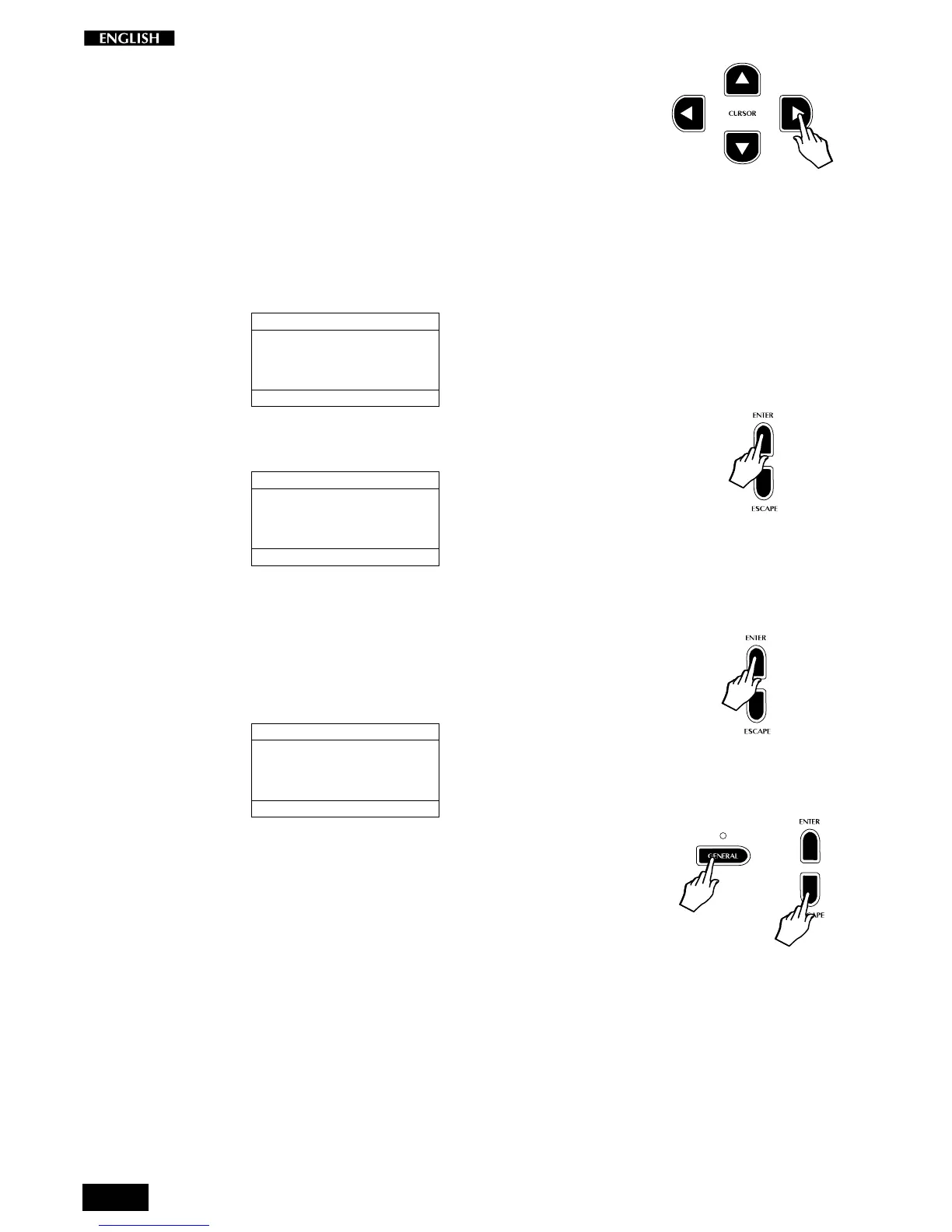
Press the CURSOR RIGHT button to pass to the sixth (and last) General
Menu page: Restore Microtune.
This function allows you to reset the User Microtuning temperament (Perf
Edit page n. 7).
This is a useful feature if you have been trying to create a user tuning
scale unsuccessfully and wish to start from the beginning again.
Entering the Restore Microtune function with the Cursor Right button
shows the Restore Microtune display:
RESTORE MICROTUNING
SELECTION MENU GENERAL : 6
PRESS ENTER
TO RESTORE
1. Follow the prompted instructions by pressing the ENTER button:
RESTORE MICROTUNING
SELECTION MENU GENERAL : 6
PRESS ENTER
TO RESTORE
ARE YOU SURE ?
A confirmation request is shown to avoid accidental activation of the
function and, therefore, total loss of important data.
2. Press the Enter button once more to complete the restore operation.
After a few seconds, the display shows the “Done!” message
marking the end of the Restore Microtune operation.
RESTORE MICROTUNING
SELECTION MENU GENERAL : 6
PRESS ENTER
TO RESTORE
MICROTUNING RESTORED !
3. Press GENERAL or ESCAPE to exit from the GENERAL MENU.



 To Next Page