28
The PERF. EDIT menu
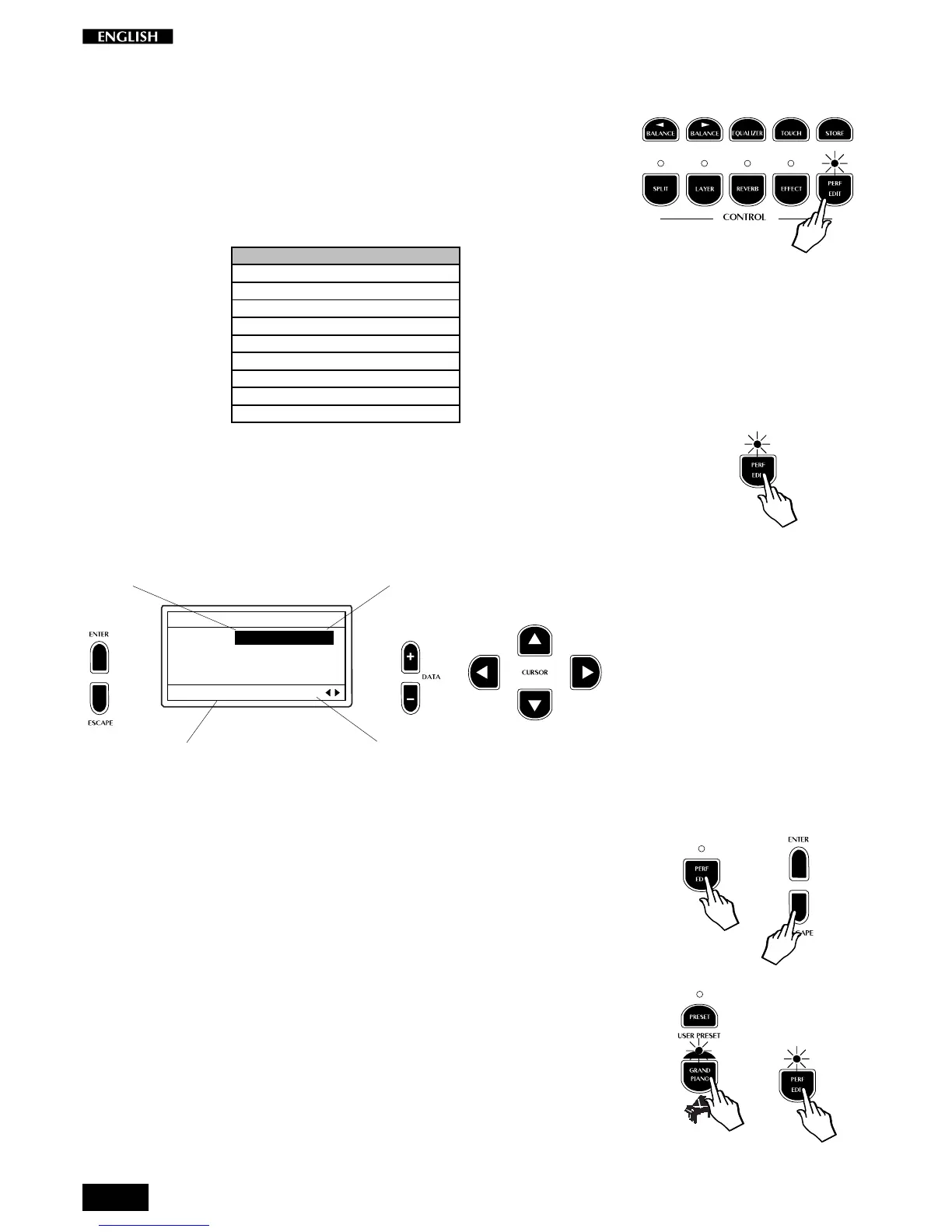
The PERF. EDIT button gains access to several performance parameters
of the Presets which can help you tailor your Presets to your needs.
The status of the Edit varies according to the current Preset type selected:
Single, Split, Layer.
The following table shows the list of the Perf. Edit parameters:
1. Sound Program
2. Sound Volume (section)
3. Section Transpose
4. Rev. Send (section)
5. EFX Send (section)
6. DSP Parameter
7. Microtuning
8. Damper assign (section)
9. Auto Wha Wha Assign (section)
10. Detune/Delay (Layer section)
Press the Perf. Edit button to enter the Preset functions. The correspond-
ing LED starts to flash to indicate that an edit situation is currently active.
You can select the parameters of the current page with the CURSOR Up/
Down buttons located to the right of the display.
EDIT MENU
Main : 1 Grand P1
Layer : 29 Strings
Split : 44 Ac.Bass
Sound Setting Pg. 1
Use the DATA +/– buttons to change the value or status of the selected
parameter.
Use the CURSOR Left/Right buttons to change edit page.
To escape the edit menu, press the Perf. Edit button. The LED stops
flashing and turns off. You can also use the ESCAPE button to exit the
Edit mode at any time.
For the purpose of the following explanations, select the GrandPiano
Preset (press the corresponding button).
Press the Perf. Edit button to gain access to the relative Edit functions.
The first function displayed is the Sound Program.
Page number
Sound Program number
Name of the Edit function
Sound Program recalled



 To Next Page