37
7. Microtuning
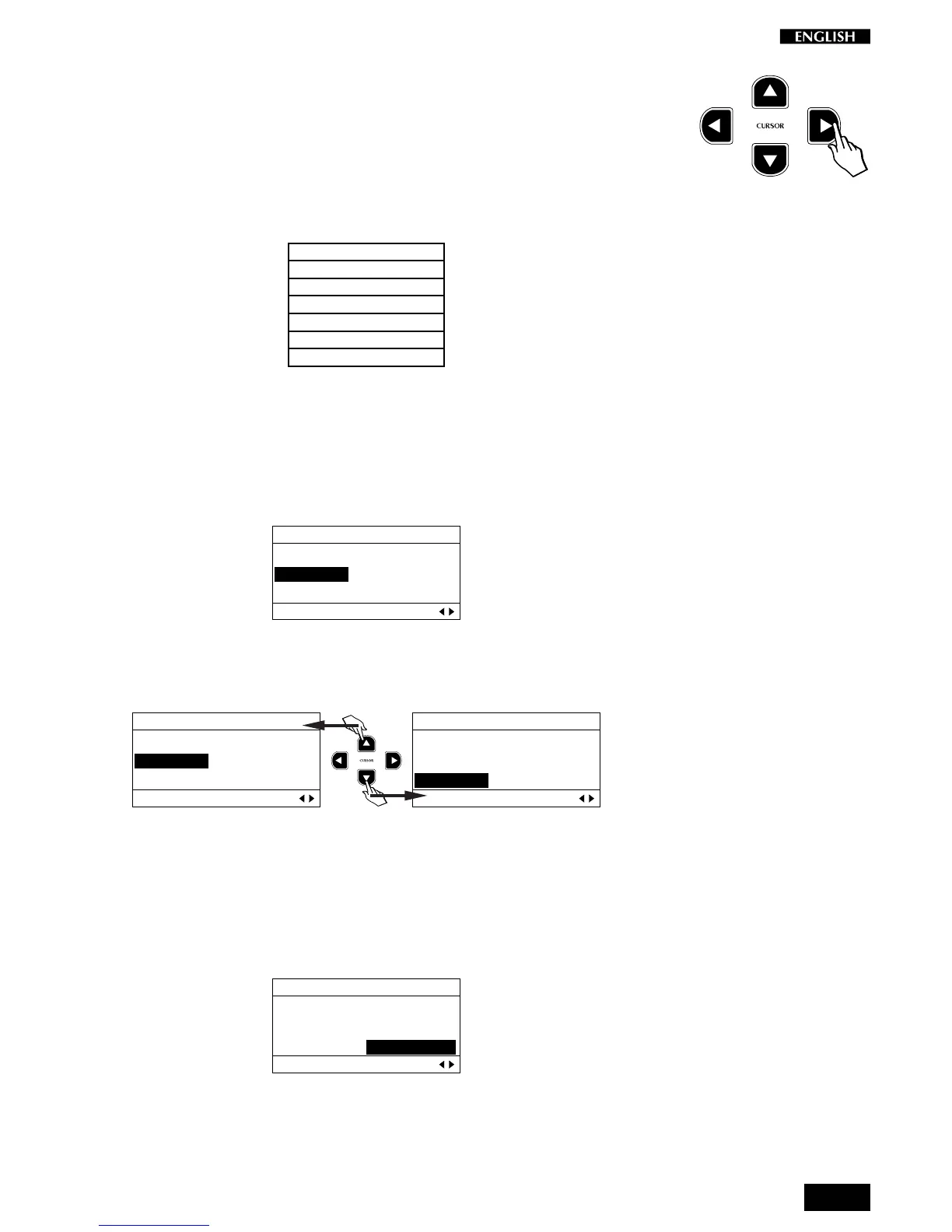
Press the CURSOR RIGHT button to access the Microtuning function.
This function allows you to select from a variety of alternative tunings, or
Keyboard Scales (Temperaments). It is also possible to program a
preferred scale (User).
The selection of available scales is shown in the following table:
Microtuning
1. Equal
2. Piano1
3. Piano2
4. Meantone
5. Kirnberger
6. User
As an example, the GrandPiano Preset is programmed to play with the
Piano1 tuning which faithfully reproduces the tuning scale of a concert
grand piano.
Entering the Microtuning page for the first time shows the selected
Keyboard scale programmed for the GrandPiano sound, Piano1:
EDIT MENU
Equal Meantone
Piano1 Kirnberger
Piano2 User
Mictrotuning Pg. 7
Use the Cursor Up/Down buttons to select from the various tunings
available. The selection procedure is cyclic as in other selection menus:
EDIT MENU
Equal Meantone
Piano1 Kirnberger
Piano2 User
Mictrotuning Pg. 7
EDIT MENU
Equal Meantone
Piano1 Kirnberger
Piano2 User
Mictrotuning Pg. 7
The tuning scale is independently programmable for all Presets.
User Microtuning
If you select the User scale, you can accurately retune every note of the
instrument to create a personal tuning Preset.
EDIT MENU
Equal Meantone
Piano1 Kirnberger
Piano2 User
Mictrotuning Pg. 7
Each note of the keyboard can be fine tuned through the range
±
64 cents.
Programming a User scale is a very simple task.



 To Next Page