36
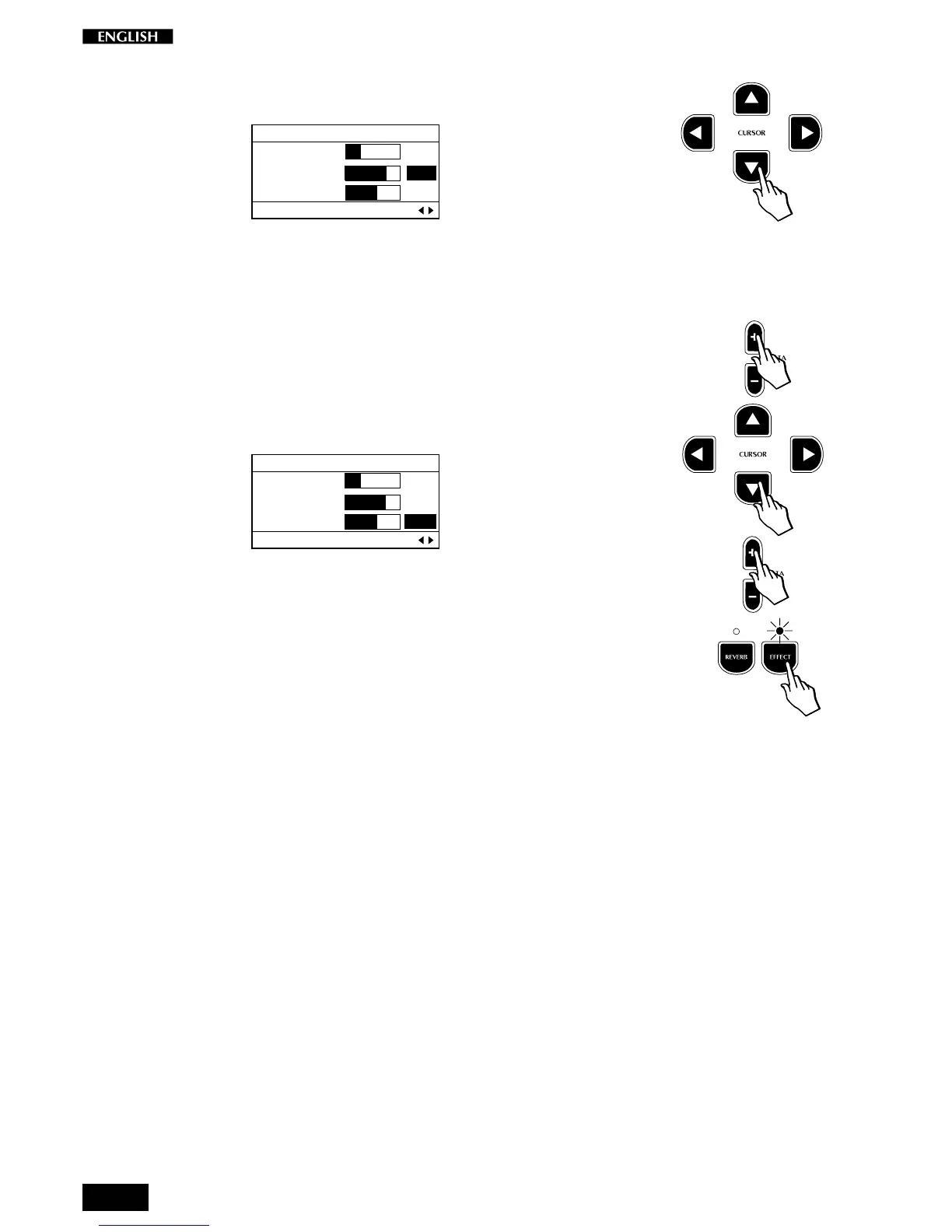
Press the Cursor Down button to select the next parameter, in this case,
Effect Depth:
EDIT MENU
Rev. Time : 2.0
Efx. Depth: 4
Efx. Rate : 1
DSP Parameter Pg. 6
For example, the single Preset “GrandPiano” has been programmed to
play with the Chorus Effect.
From the table shown above, you can see that the first parameter
displayed for editing will be “Effect Depth” (the total amount of the
available Chorus).
Modify the first parameter value by using the DATA +/– buttons.
Press the Cursor Down button again to pass to the second parameter,
“Effect Rate”:
EDIT MENU
Rev. Time : 2.0
Efx. Depth: 4
Efx. Rate : 1
DSP Parameter Pg. 6
Modify the second parameter value by using the DATA +/– buttons.
Note: To listen to the changes made, the Effect button must be selected
(LED on).



 To Next Page