35
6. DSP Parameter
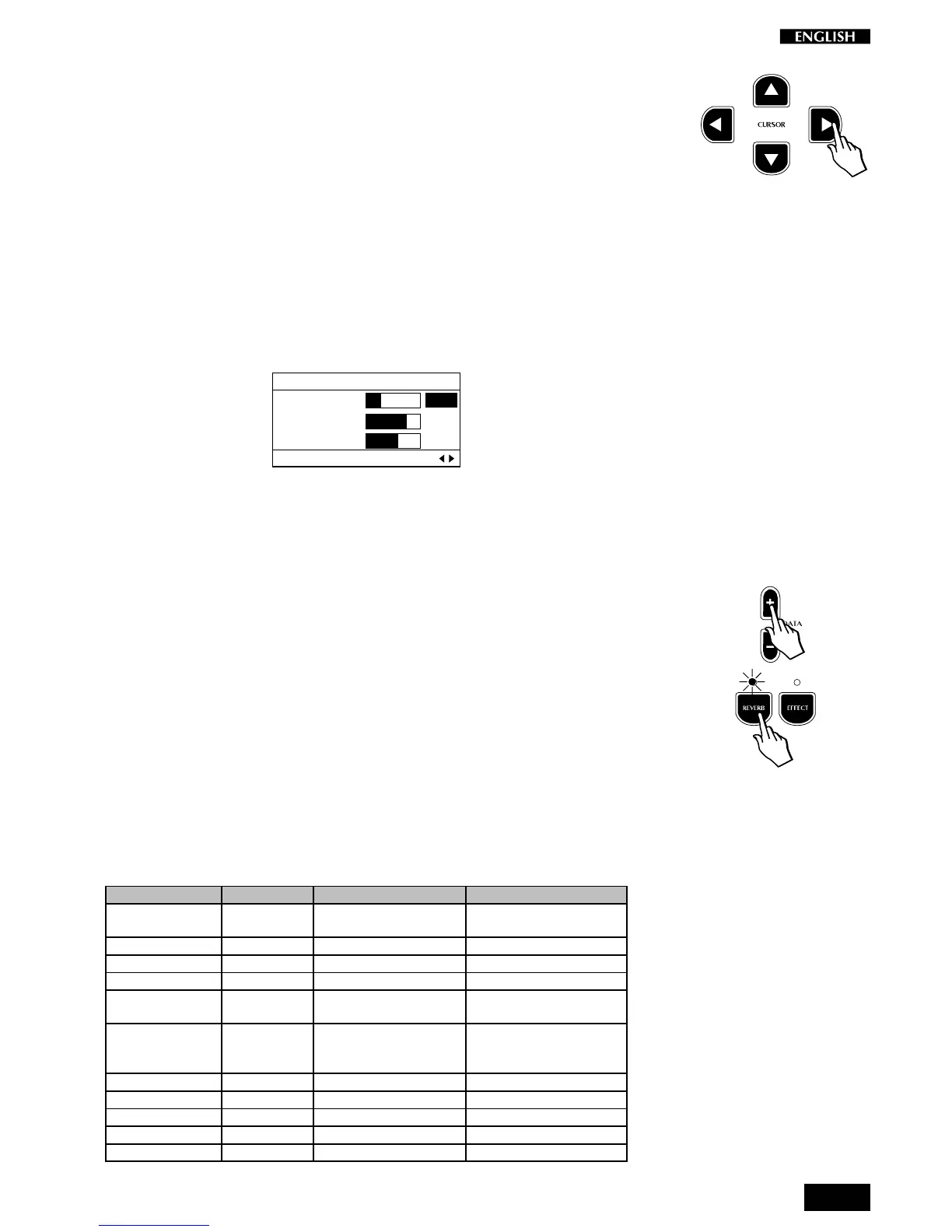
Press the CURSOR RIGHT button to access the DSP Parameter function.
This page contains important DSP parameters which allow you to control
the Reverb Decay time (Rev. Time), or the depth of action (Depth) and
velocity (Rate) of a modulation effect (Chorus).
These parameters affect the instrument as a whole, therefore the relative
Edit Menu is not divided into sections but varies according to the
modulation effect recalled by the selected Preset.
Reverb Decay Time (Rev. Time)
Entering the DSP Parameter page for the first time shows the Rev. Time
parameter selected.
EDIT MENU
Rev. Time : 2.0
Efx. Depth: 4
Efx. Rate : 1
DSP Parameter Pg. 6
If a Reverb effect has been selected (Reverb button on), the Rev. Time
function can be used to control the “reverb time”, or the delay amount for
the particular reverb type selected for the current Preset. Basically, this
allows you to proportionally increase or decrease the dimensions of the
surroundings simulated by the DSP.
Holding down the DATA + or – button increases or decreases the Rev.
Time value rapidly and stops instantly after release. The value obtained
is expressed in seconds.
Note: To listen to the changes made, the Reverb button must be selected
(LED on).
Parameter 1, Parameter 2
The two parameters which appear after the Rev. Send parameter will
differ according to the Effect recalled by the current Preset. The following
table lists the available Effect Types and the two associated parameters
which can be modified:
Effect Type Parameter 1 Parameter 2
1. Chorus 1-2 Modulation Depth (amount of
modulation)
Rate (modulation velocity)
2. Tremolo 1-2 Modulation Depth Rate
3. Phaser 1-2 Modulation Depth Rate
4. Flanger Modulation Depth Rate
5. PitchShift Frequency Coarse Tune (coarse tune
in semitone steps)
Fine Tune (fine tune of the
frequency in "cents")
6. Delay 1-2 Delay Delay Time (the time it
takes for a repeat to
occur)
Feedback (the number of
repeats heard before
effect fade out)
7. Rotary Modulation Speed (the rotary speed) L.P. Filter (0 = bypass)
8. ChorusTremo Modulation Depth Rate
9. PhaserTremolo Modulation Depth Rate
10. ChorusDelay Modulation Depth Rate
11. Ensemble 1-2 Modulation Depth Rate



 To Next Page