54
Computer Interface
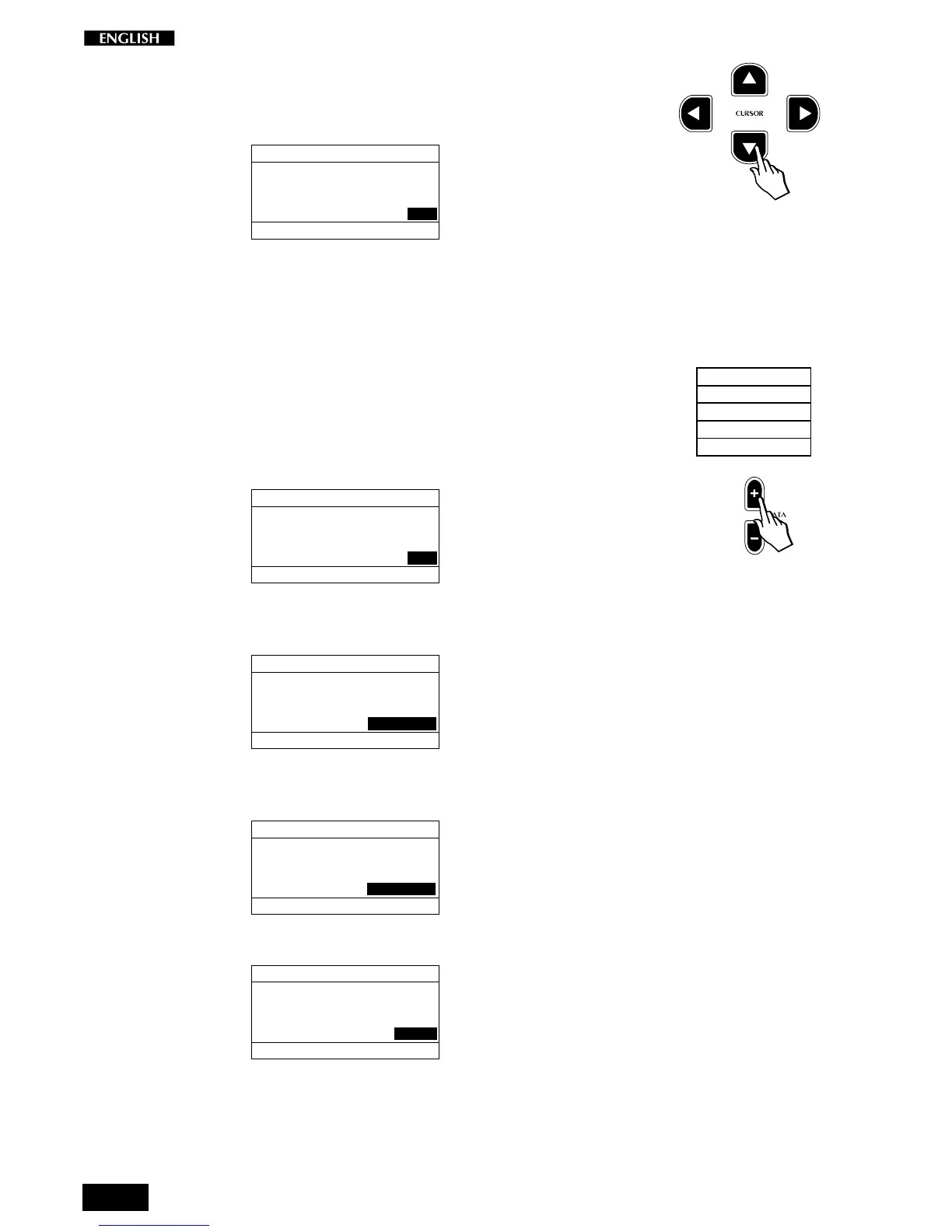
Press the Cursor Down button to select the last function of page 2,
Computer Interface:
MIDI MENU Pg. 3
SELECTION MENU GENERAL : 2
MIDI IN FILTER : PROGRAMS
MIDI OUT FILTER: PROG+VOL
COMPUTER INT. : OFF
This function allows you to set the operating mode for the computer serial
port on the instrument’s back panel. This port allows two-way communi-
cation between the RP220 and a PC without the need for a MIDI interface.
A cable to connect the instrument to your PC or Macintosh can be
obtained from your dealer.
There are four modes which can be selected, as listed in the table shown
opposite.
Use the DATA +/– buttons to select the options available.
OFF : (default) all MIDI data is directed to the MIDI interface.
MIDI MENU Pg. 3
SELECTION MENU GENERAL : 2
MIDI IN FILTER : PROGRAMS
MIDI OUT FILTER: PROG+VOL
COMPUTER INT. : OFF
PC-1 : suitable for connection to a PC with 80386, or earlier
processor.
MIDI MENU Pg. 3
SELECTION MENU GENERAL : 2
MIDI IN FILTER : PROGRAMS
MIDI OUT FILTER: PROG+VOL
COMPUTER INT. : PC1(Slow)
PC-2 : suitable for connection to a PC with 80486, Pentium or
faster processor.
MIDI MENU Pg. 3
SELECTION MENU GENERAL : 2
MIDI IN FILTER : PROGRAMS
MIDI OUT FILTER: PROG+VOL
COMPUTER INT. : PC2(Fast)
Apple : suitable for any Macintosh computer.
MIDI MENU Pg. 3
SELECTION MENU GENERAL : 2
MIDI IN FILTER : PROGRAMS
MIDI OUT FILTER: PROG+VOL
COMPUTER INT. : APPLE
When you enable the Computer port for one of the transmission/reception
options, the instrument’s MIDI interface will be automatically disabled for
transmission/reception. The last Computer setting selected is memo-
rized even after turning the instrument off.
Selections
OFF (default)
PC_1 (Slow)
PC_2 (Fast)
Apple



 To Next Page