53
MIDI MENU Pg. 3
SELECTION MENU GENERAL : 2
MIDI IN FILTER : PROGRAMS
MIDI OUT FILTER: OFF
COMPUTER INT. : OFF
The last MIDI In Filter selected is memorized even after turning the
instrument off.
MIDI Out Filter
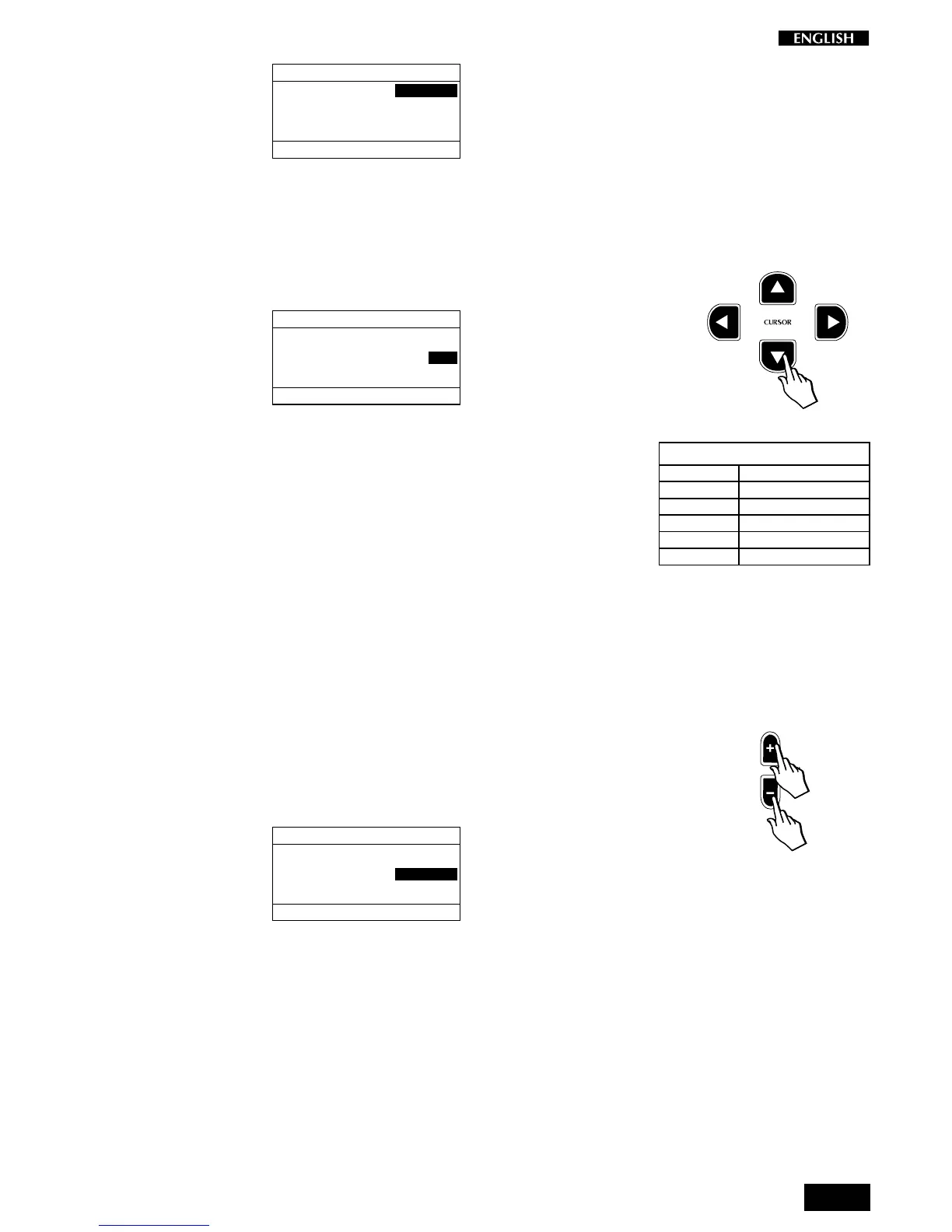
Press the Cursor Down button to select the Midi Out Filter function:
MIDI MENU Pg. 3
SELECTION MENU GENERAL : 2
MIDI IN FILTER : PROGRAMS
MIDI OUT FILTER: OFF
COMPUTER INT. : OFF
This function is used to stop the instrument from transmitting certain MIDI
messages which might be unwanted on some occasions.
The table shown opposite lists the Filter Out messages available:
Use the DATA +/– buttons to select the message that can be filtered out
of the MIDI OUT data stream.
The default setting for the MIDI OUT Filter is OFF.
For example, if you were to connect the instrument to an external MIDI
sound module, when you reduce the section volume of the RP220, a “MIDI
Volume” message is sent which also changes the volume of the sound
module. Furthermore, when you select a new sound on the RP220, a
“Program Change” message would also be sent to the sound module,
causing its sound to be changed too.
In situations where changes to the external device are not required, these
could be avoided by selecting the MIDI OUT FILTER “PROG + VOL”: This
means that the RP220 would no longer send out these unwanted mes-
sages:
MIDI MENU Pg. 3
SELECTION MENU GENERAL : 2
MIDI IN FILTER : PROGRAMS
MIDI OUT FILTER: PROG+VOL
COMPUTER INT. : OFF
The last MIDI Out Filter selected is memorized even after turning the
instrument off.



 To Next Page