42
Saving your modifications
At this point, when you have finished all the Perf Edit tasks, bear in mind
that the changes made remain in memory temporarily. If you change the
Preset before saving your changes, all modifications made will be lost.
See Store Preset further ahead.
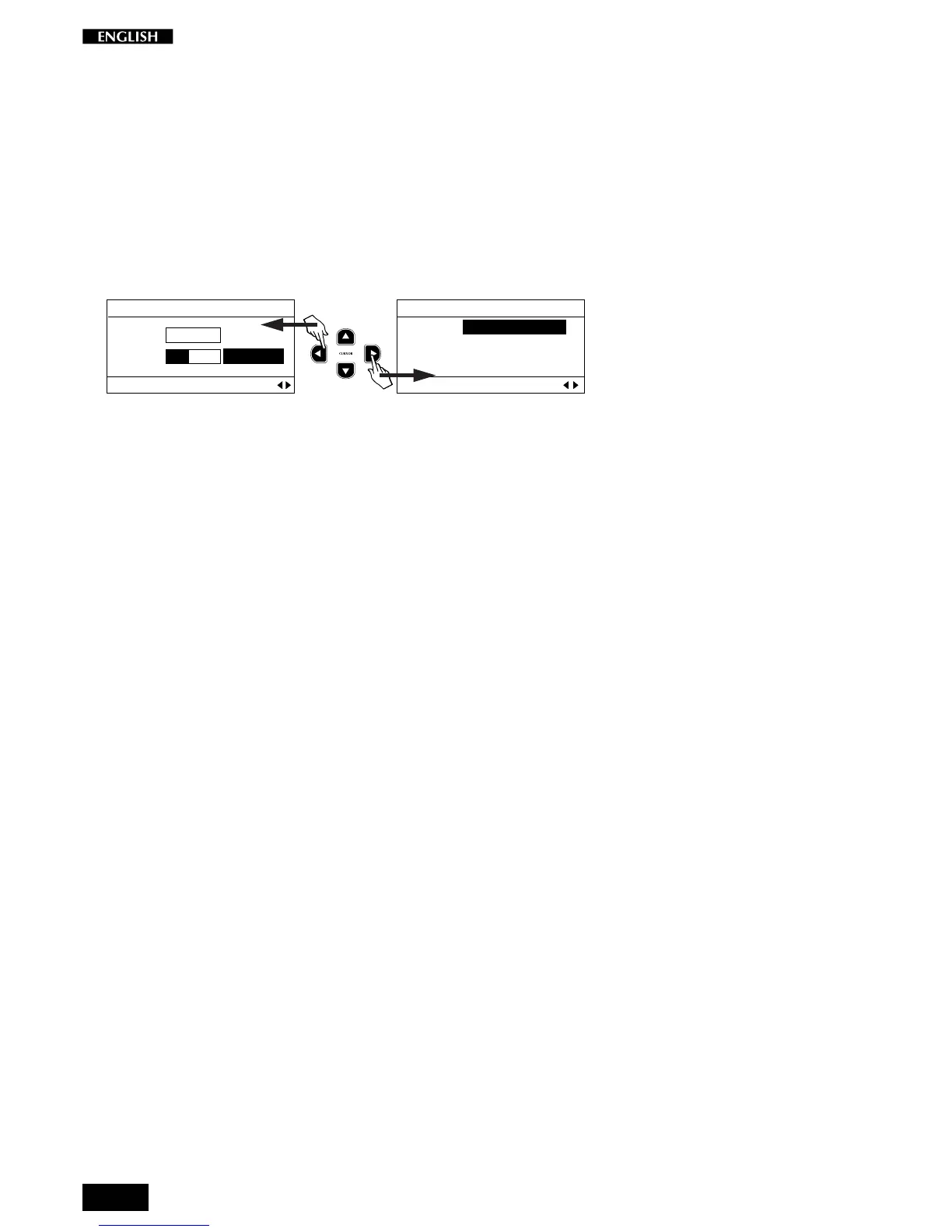
Cyclic selection
From the last Edit Menu page (Detune/Delay), it is possible to return to
Page 1 (Sound Program) by pressing the Cursor Right button, because
the selection procedure is cyclic. The last page selected is memorized.
EDIT MENU
Detune: 0 cents
Delay: 32 ms
Layer Section Pg. 10
EDIT MENU
MAIN : 1 Grand P1
LAYER : 29 Strings
SPLIT : 44 Ac.Bass
Sound Setting Pg. 1



 To Next Page