18
process. (Refer to chapter on “Recording Studio/Sequencer” in
Section 6 for detailed information on the sequencer functions).
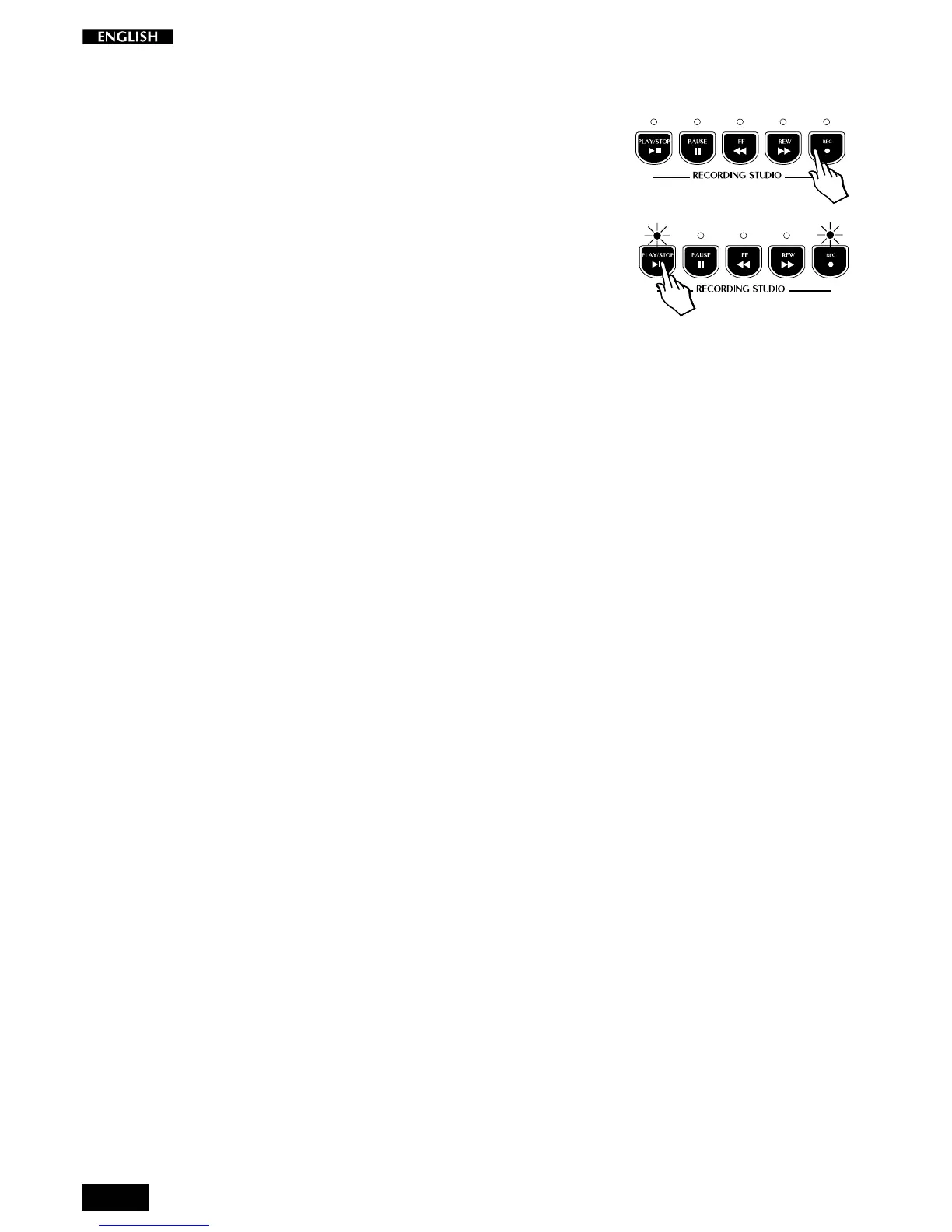
8. After pressing Play/Stop to stop the recording, press the REC
button to escape Record mode.
9. To playback your recording, press PLAY/STOP.



 To Next Page