Rev. 00 04/19
40
Touch panel / operating panel OptiCenter OC06
– By switching off the plant (See chapter "Switching off the OptiCenter
(after each working day)" on page 65.)
– By pressing the symbol in the log-in status bar
User is logged off
Change user
The change of user takes place by logging out and in.
User profile
Depending on user rights, individual functions and settings may
not be accessible and are locked.
– See chapter "Functions available at user level" on page 36.
Create user
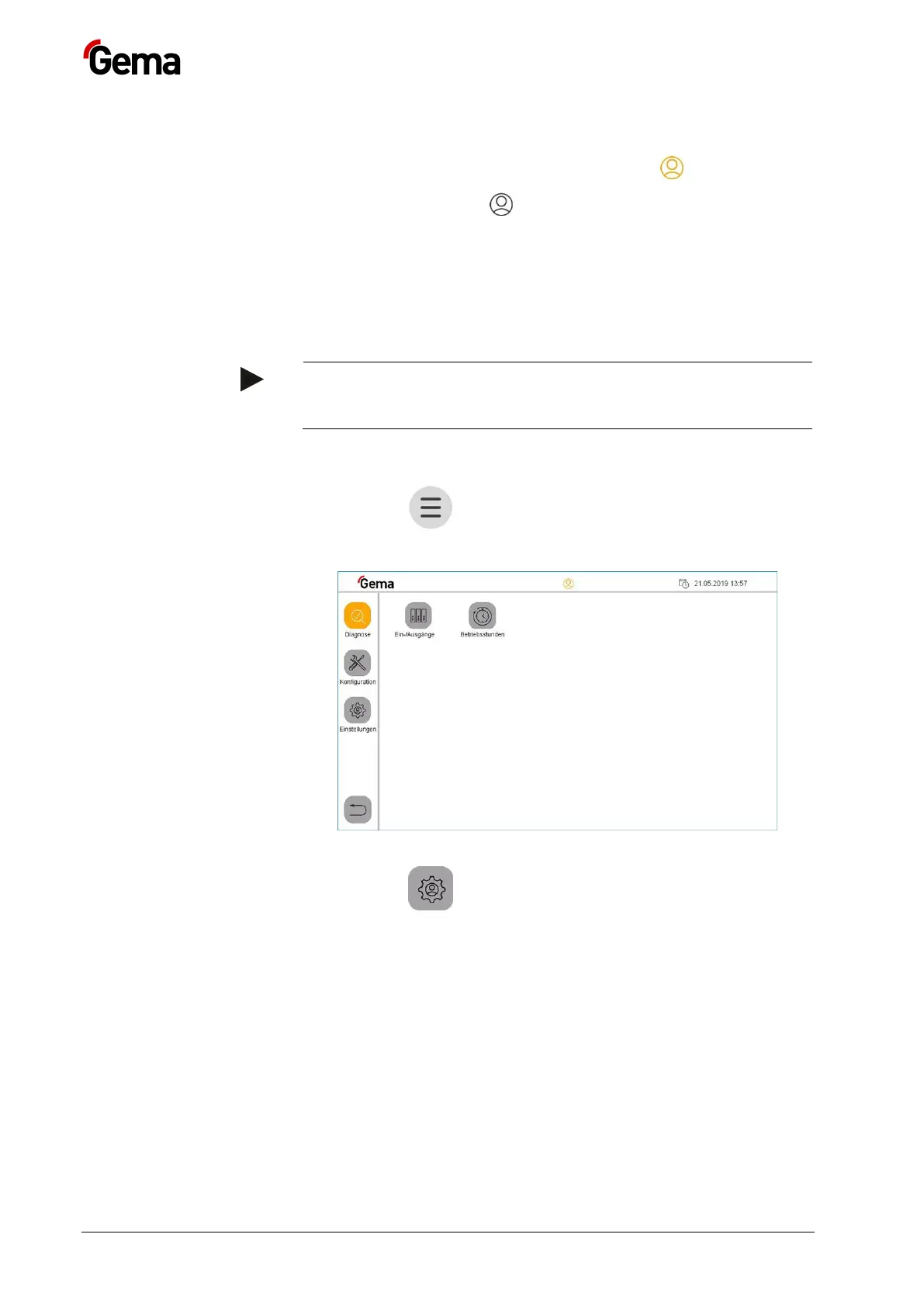
1. Press the key
The following page is displayed:
Fig.
:
2. Press the key
– The following page is displayed:


 To Next Page