Rev. 00 04/19
OptiCenter OC06 Operation
57
Operation
Operation
During the initial commissioning of the device, the functional
check is to be performed without powder!
Starting the OptiCenter
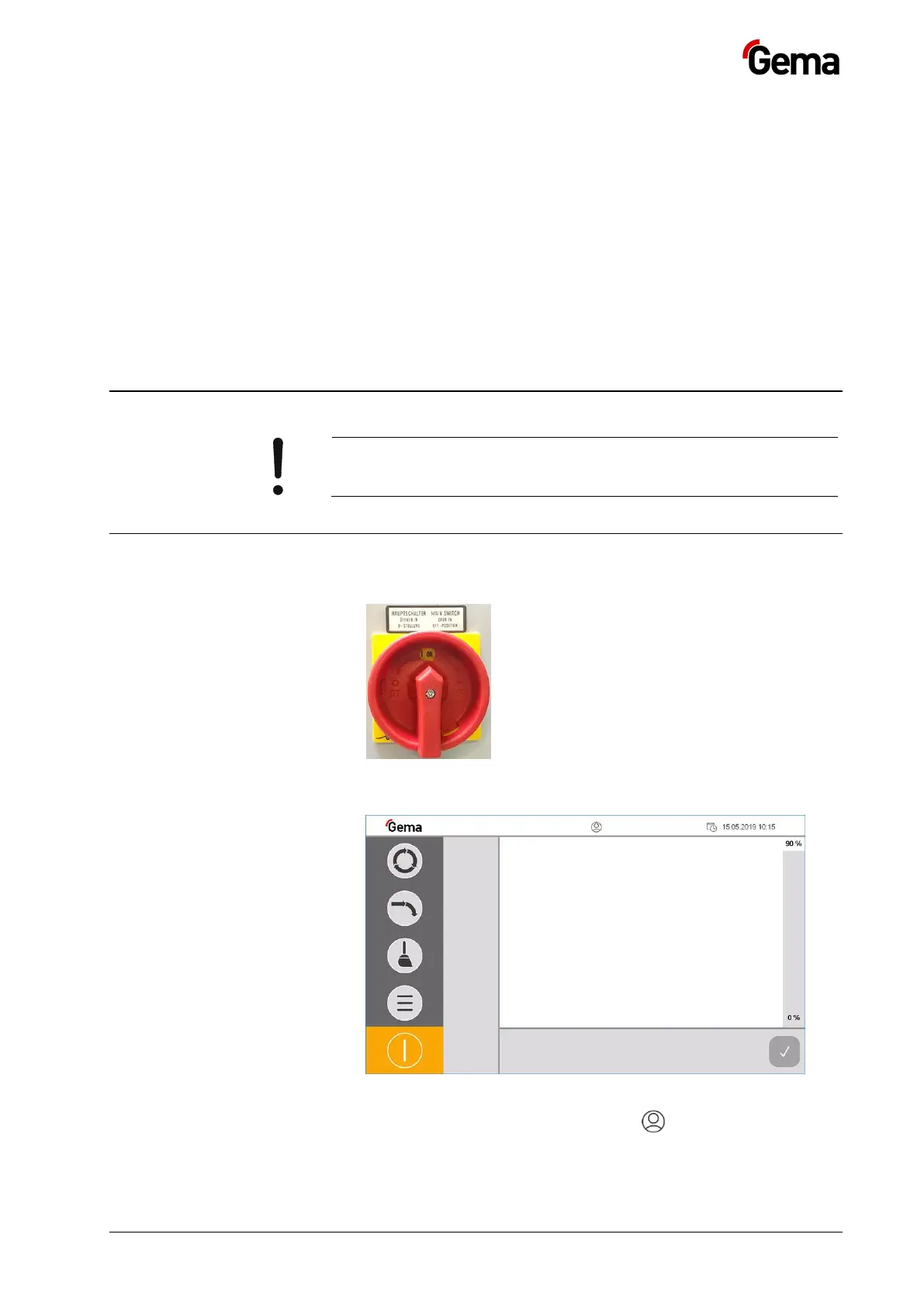
1. Turn the main switch to the ON position.
– The control starts the operating system, the PLC control and the
operating software to the main page.
Fig.
: Main page (not logged in)
2. Press the symbol in the login status bar to log in with a user
name and password


 To Next Page