Rev. 00 04/19
OptiCenter OC06 Operation
67
10.
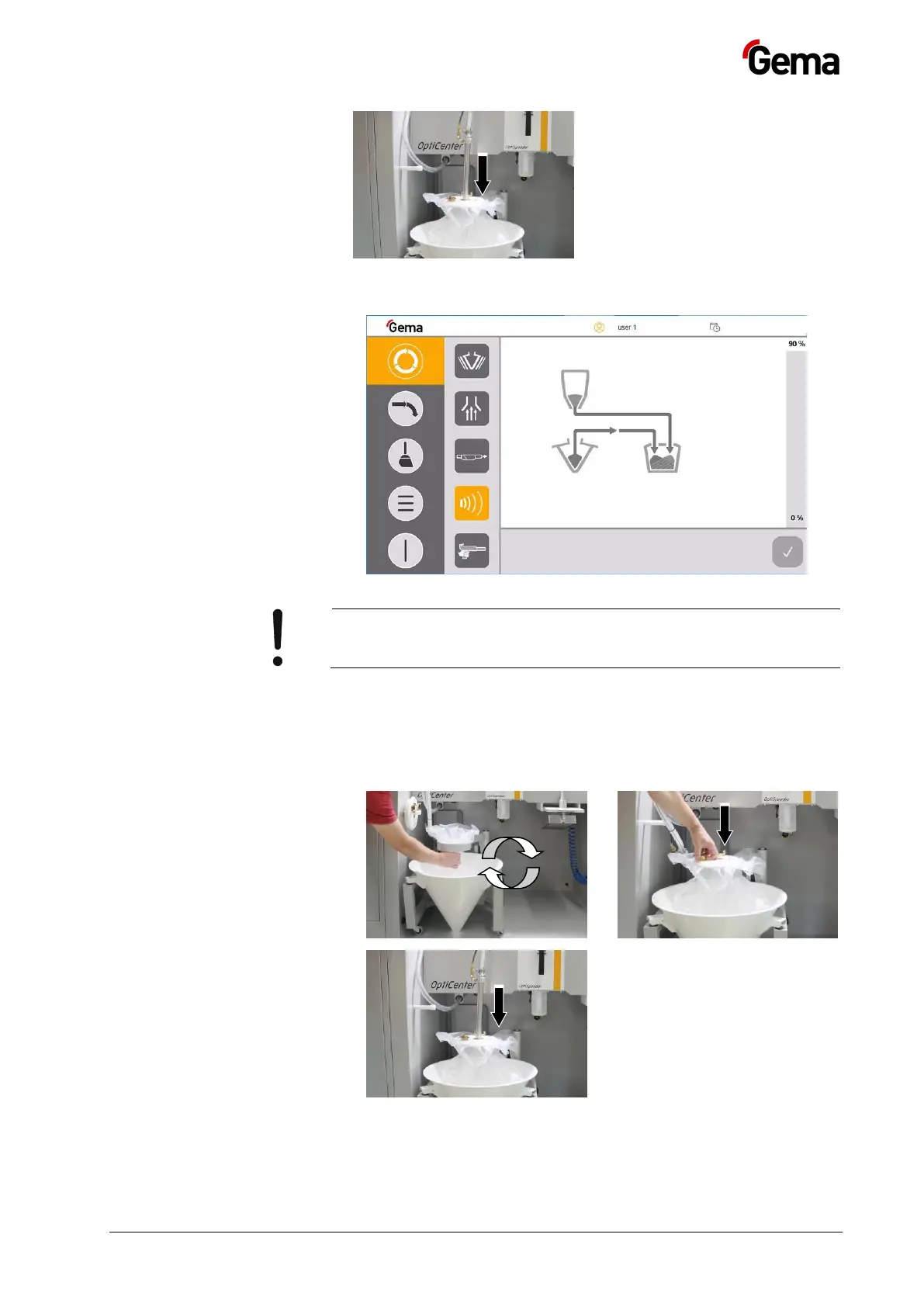
11. Empty the used powder bag with the residual powder into another
container or dispose of it
12.
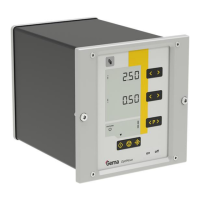
If an error message appears, correct the error and acknowledge it
to ensure that the coating process continues to run!
Color change
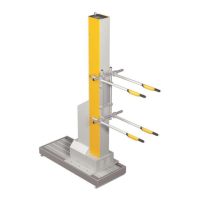
1. Clean the OptiCenter
– See chapter "Cleaning" on page 71.
2. 3.
4.
5. Insert the cleaned OptiSpeeder cover with US sieve**, if already
configured


 To Next Page