Rev. 00 04/19
OptiCenter OC06 Operation
65
Fig.
:
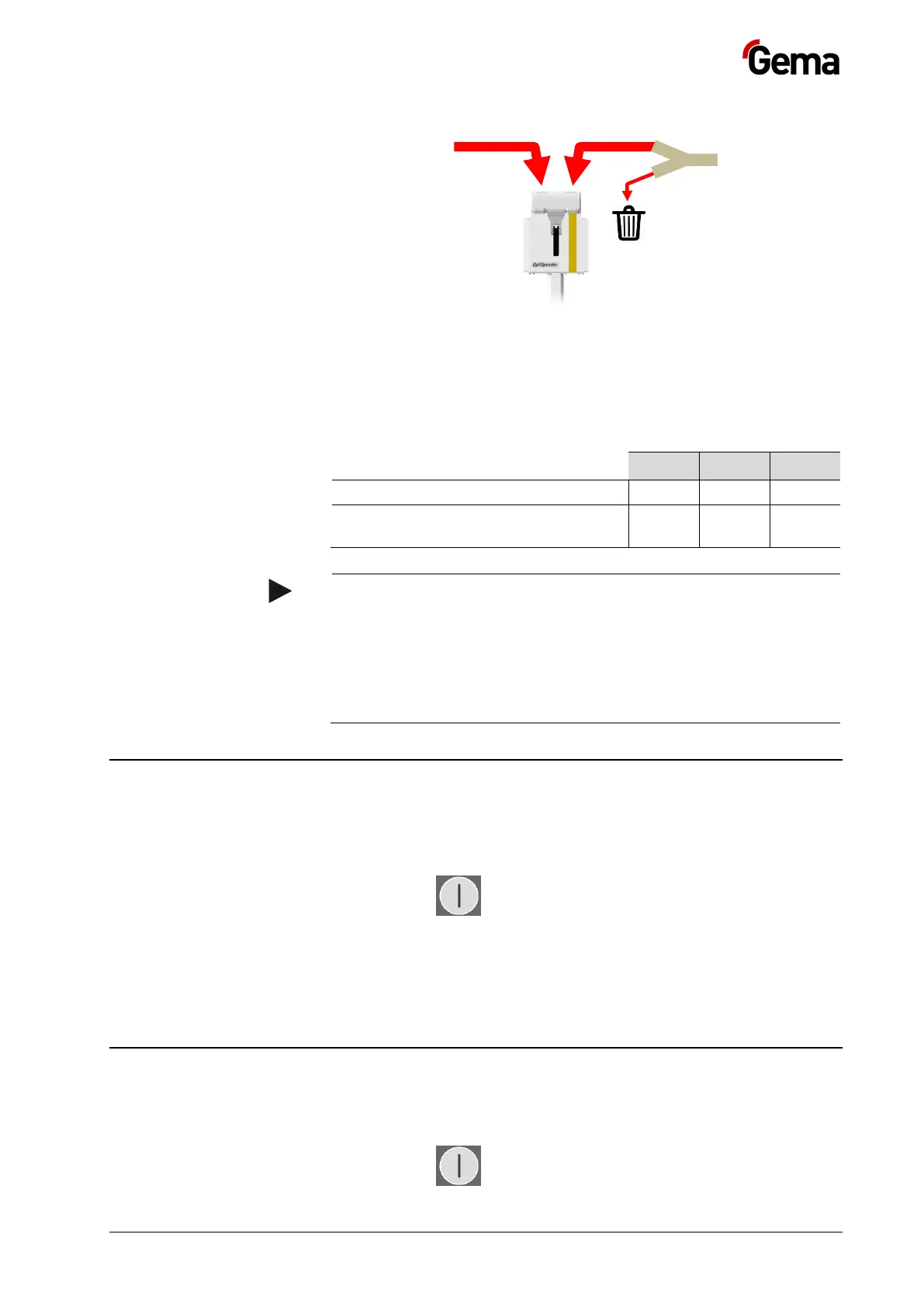
For customers who have high requirements for coating results with large
production batches, the OptiCenter offers the possibility to control this
ratio with parameter 3470. (See chapter "Parameter description" on page
54.)
Proportion of powder to be recovered
Proportion of powder taken from the
system and substituted by fresh powder
The highest possible initial application efficiency has a stabilizing
effect on the color tone of large production batches of the same
color.
To achieve this, the following is recommended:
– Use of gap control
– Dense, optimized object suspension
– Well maintained and adjusted application equipment
Working interruptions or coating breaks
If the coating process is interrupted for a longer period of time, the system
should be brought into an economical state.
1. Check if all the workpieces have been coated
2. Press the key for 2 seconds
– The Coating menu is closed and switches back to the main
menu
– The level control is switched off
– The vibrator switches off
Switching off the OptiCenter (after each working day)
To shut down, the following steps must be taken:
1. Check if all the workpieces have been coated
2. Press the key for 2 seconds


 To Next Page