Rev. 00 03/19
OptiStar 4.0 (CG24-CP) Operation
45
Pinch valves and system backpressure monitoring
display
1. Turn on the gun control unit with the ON key
2. Hold key down for 5 seconds
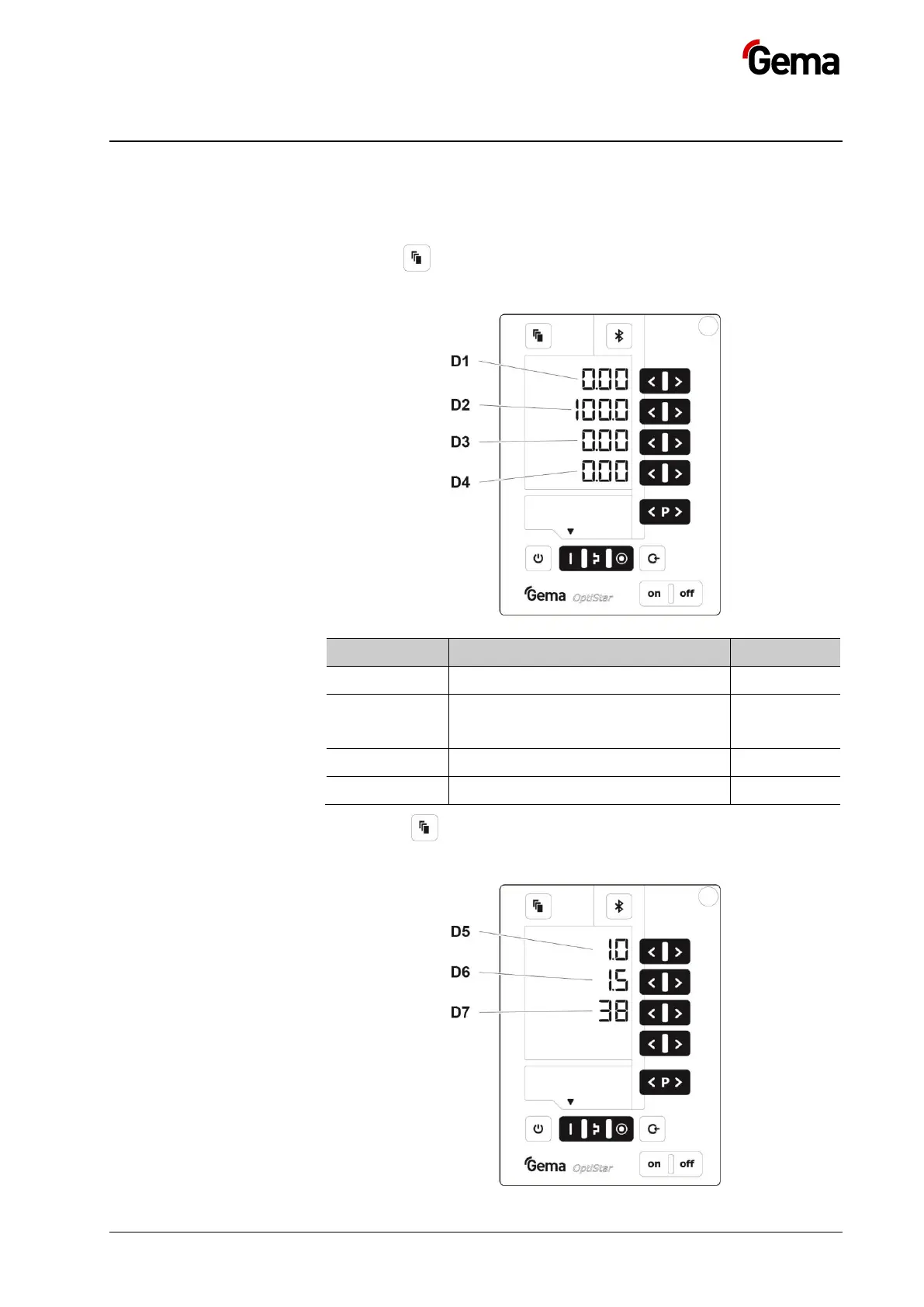
The display switches to the following level:
Current pinch valves pressure
Opening time of control solenoid
valve for pinch valves pressure (leak-
tightness control)
3. Press key 1x
The display switches to the following level:



 To Next Page