Rev. 00 03/19
46
Operation OptiStar 4.0 (CG24-CP)
Pressure drop per each pinch valve
closing
1) Depending on the unit set, airflows are displayed in Nm³/h or scfm.
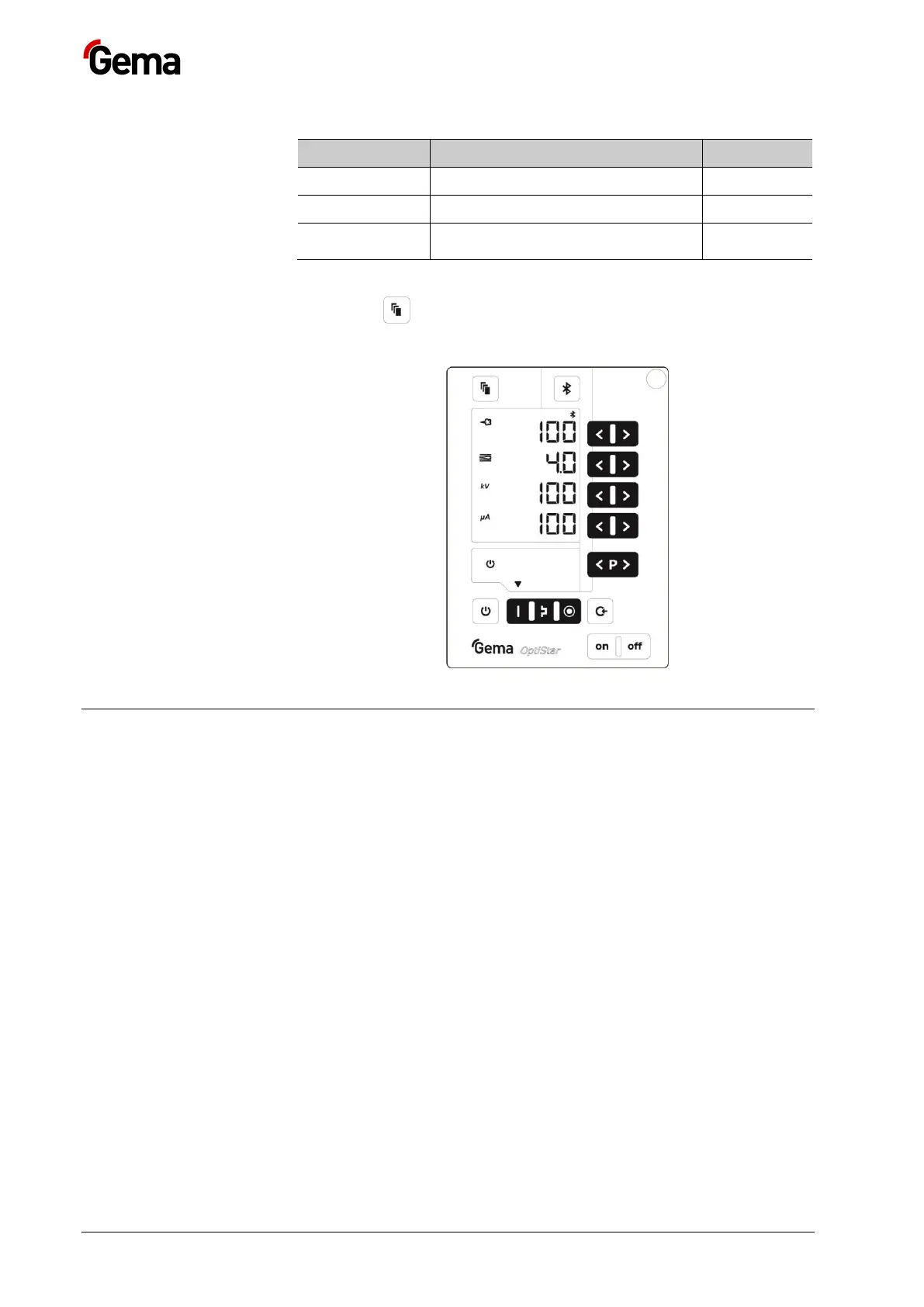
4. Press key 2x
The display switches to the main level:
Remote operation
There is the possibility to remotely control the device externally via CAN-
Bus.
Local operation in remote operating mode
In remote operating mode, local operation is limited to:
– Display of desired values of the current program
– Displaying the actual values
– Error acknowledgement
Transfer to remote operating mode
– During transfer from local to remote operating, and vice versa, the
powder output will cease, so that the device is in a defined mode
after transfer.
– Remote operating mode is signaled by the symbol S12 (remote).



 To Next Page