Reference Manual
Prox–DU & Prox–SU
www.gemalto.com
DOC118569D Public Use Page 19/145
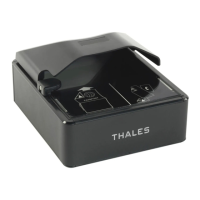
The Prox–DU and a contact smart card:
Figure 10 – The contact smart card is fully inserted into the Prox–DU slot
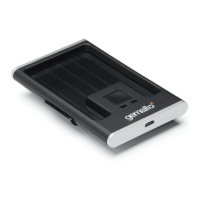
The Prox–SU and a contactless smart card:
Figure 11 – The contactless smart card is put near or over the Prox–SU landing zone
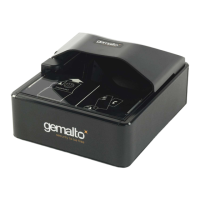
The Prox–SU and a contact SIM/SAM card:
Figure 12 – The contact SIM/SAM card is inserted into the Prox–SU connector
Note: the SIM/SAM card cannot be installed or removed without opening the casing. The
SIM/SAM card is permanently installed into the Prox–SU reader.
The operating
distance is a few
centimeters


 To Next Page
 Loading...