4.2.2 Sensor Setup
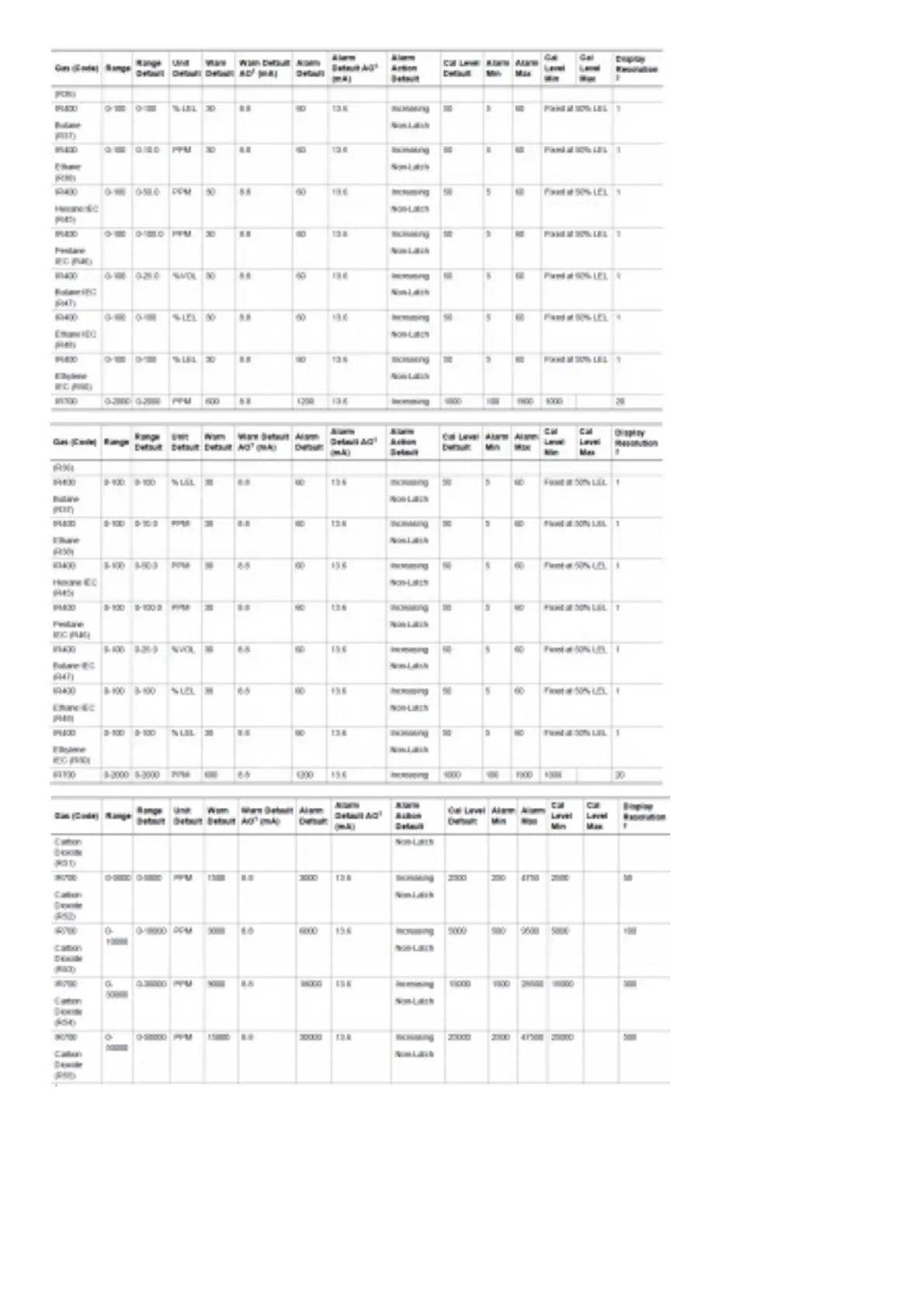
Configure gas unit, range, calibration level (i.e. span value), warning and alarm levels and whether they are latching or nonlatching.
The Sensor Setup menu will go through each sub menu before exiting Sensor Setup.
1. Hold finger on button while menu selections scroll across screen.
2. Remove finger when Setup menu appears.
3. Touch button when Sensor Setup appears (first option).
4. The following menus are available under Sensor Setup. When “Finished?” is selected under each of the following menus, the next menu will start.



 To Next Page