WP21 Series Operation Manual Chapter 6 Software Operation
48
Interval time
Operation: Press the number key “1” to set the value.
Standard values
Operation: Press the number key “1” to set the value.
Attached explanation:
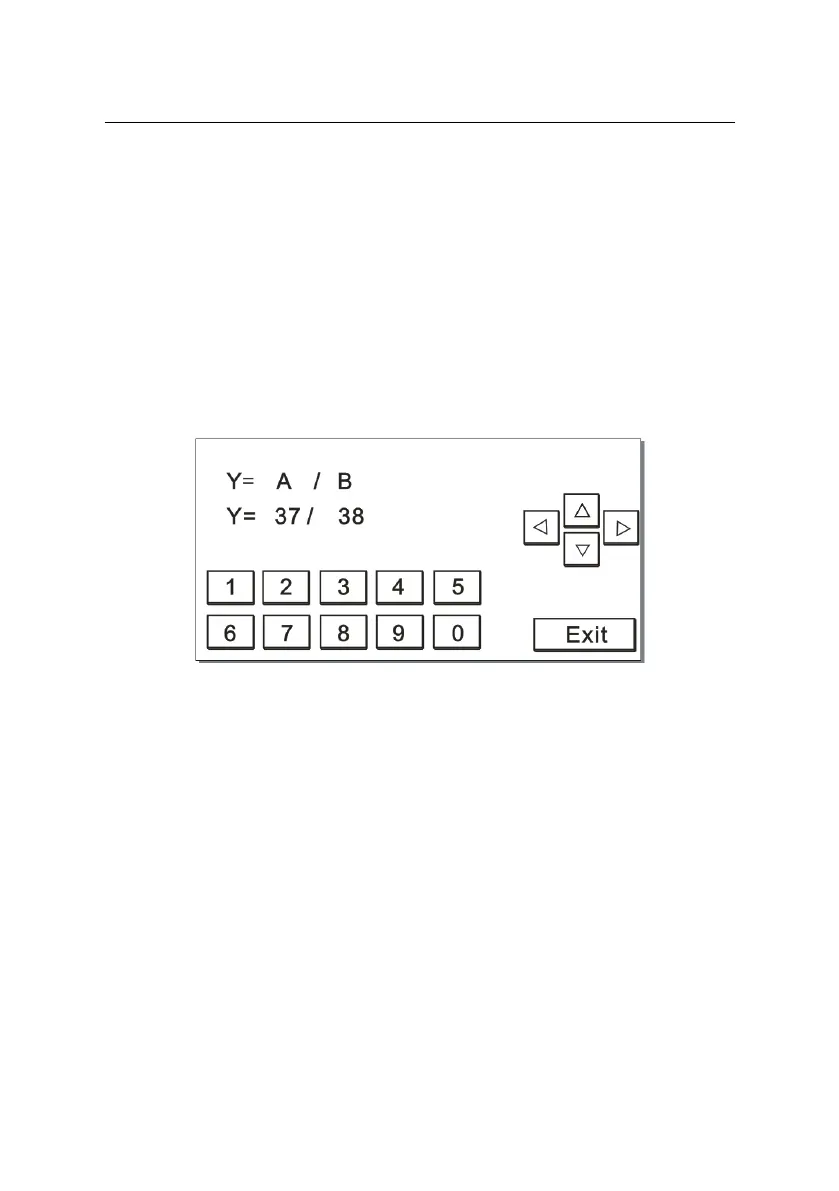
If the measurement method is set as “division [D]”, the screen
will be displayed as Figure 6-12 below:
Figure 6-12
Note: “Y=A/B” is a formula, in which A and B represent two related
items that have been tested.
If the measurement method is set as “cutoff [C]”, the screen will be
displayed as Figure 6-13 below:


 To Next Page