Weld334m - User’s manual
F376-OPC Field-Bus InterBus-S Card
50
UL
RD
FO1
BA
FO2
CC
FK
BE
SP
ST
MS
TR
11.3
InterBus-S interface power supply
There is a P25 connector on the front panel to supply the InterBus-S interface.
Connector type: 2 way, 5.08 pitch, disconnectable terminals.
Power supply input characteristics:
•
Acceptable Input voltage: 24Vdc -15%+10%
•
Max. Absorption: 125mA
The 0VIB return signal is not connected to the ground PE.
Pin Signal Description
1 +24VIB Power
20VIB Return
11.4
Description of status LEDs
There are 2 groups of LEDs on the front panel indicating the status of some I/O signals and
of the InterBus-S port.
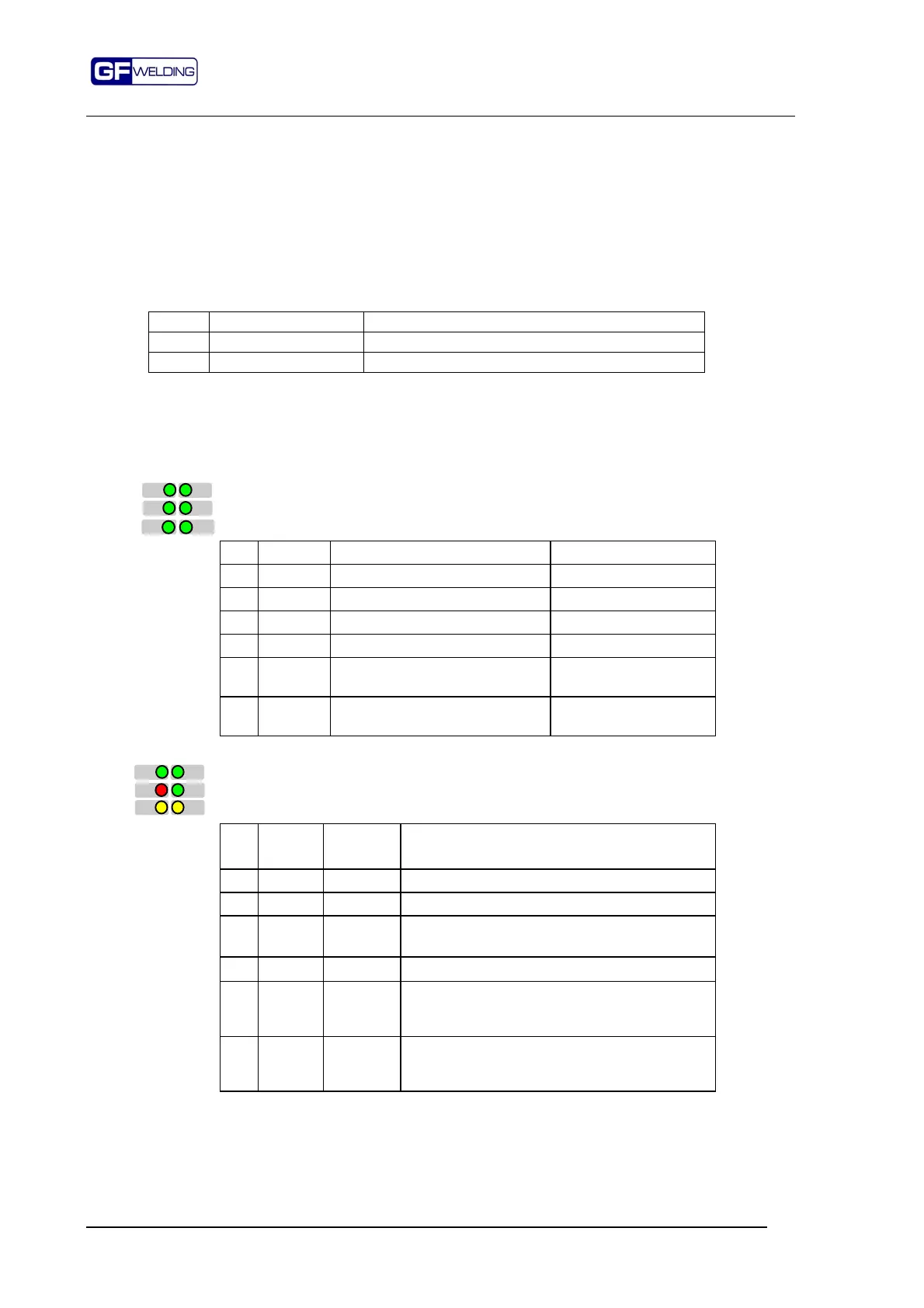
ST-FK-MS-BE leds
These LEDs indicate I/O functions dedicated to the welding process
Led Signal Condition Related bit
ST START Welding sequence start Control Word 1 Bit 0
FK FINESEQ Sequence end active Status Word 1 Bit 0
MS STATUS Weld YES enabled Control Word 1 Bit 7
BE READY Control device ready Status Word 1 Bit 4
TR Transmit
Receive
Communication through PCP
protocol active.
None
SP SPARE Not used. Available for future
uses.
UL-RC-RD-BA LEDs
These LEDs
indicate InterBus-S port communication functions
Led Color Normal
status
Condition
UL Green On When OFF it indicates a reset condition
RC Green On when OFF it indicates InterBus-S reset active
RD Red Off
When ON it indicates BUS InterBus-S
disabled
BA Green On
When OFF it indicates InterBus-S inactive
FO1 Yellow Off When ON it indicates a fault on the REMOTE-
IN optical interface (e.g. reached limit level of
the optical fiber signal)
FO2 Yellow Off When ON it indicates a fault on the REMOTE-
OUT optical interface (e.g. reached limit level
of the optical fiber signal)



 To Next Page