Gilson GX-271 Liquid Handler User’s Guide 2-19
Installation
2
Rear Panel Connections
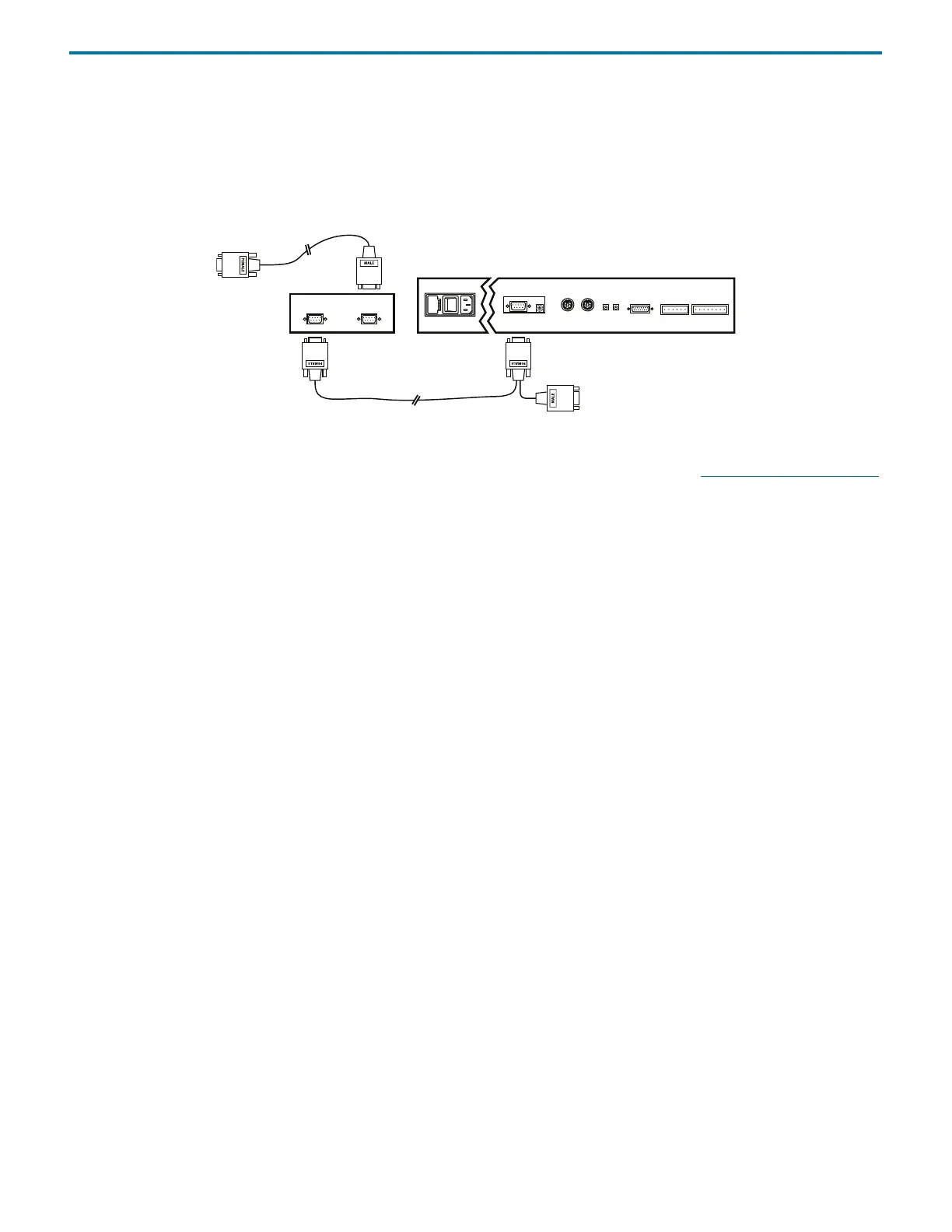
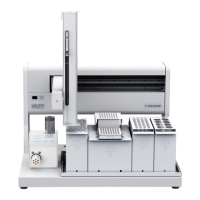
To connect the liquid handler to the interface module:
1 Attach the female connector of the GSIOC cable (located individually at one end of the cable) to the GSIOC port on the
interface module. Tighten the retaining screws.
2 Attach the female connector of the GSIOC cable (located on the same end as the male connector) to the GSIOC port located
on the rear panel of the liquid handler. Tighten the retaining screws.
Figure 2-38: GSIOC Cable Connection
Note: The male connector of the GSIOC cable is used to connect modules to the liquid handler. See Connecting GSIOC Modules
on page 2-20.
To connect the interface module to the computer:
1 Locate the RS-232 cable provided with the interface module. Attach the male end of the RS-232 cable to the RS-232 port
located on the rear panel of the interface module. Tighten the retaining screws.
2 Attach the female end of the RS-232 cable to the computer’s RS-232 serial communications port. Tighten the retaining
screws.
GSIOC
GSIOC cable
GSIOC
RS-232
RS-232 cable
liquid handler
to
computer



 To Next Page