this phonebook DN will be created.
The sample phonebook CSV file in above picture will result in the following LDAP phonebook in the UCM630xA.
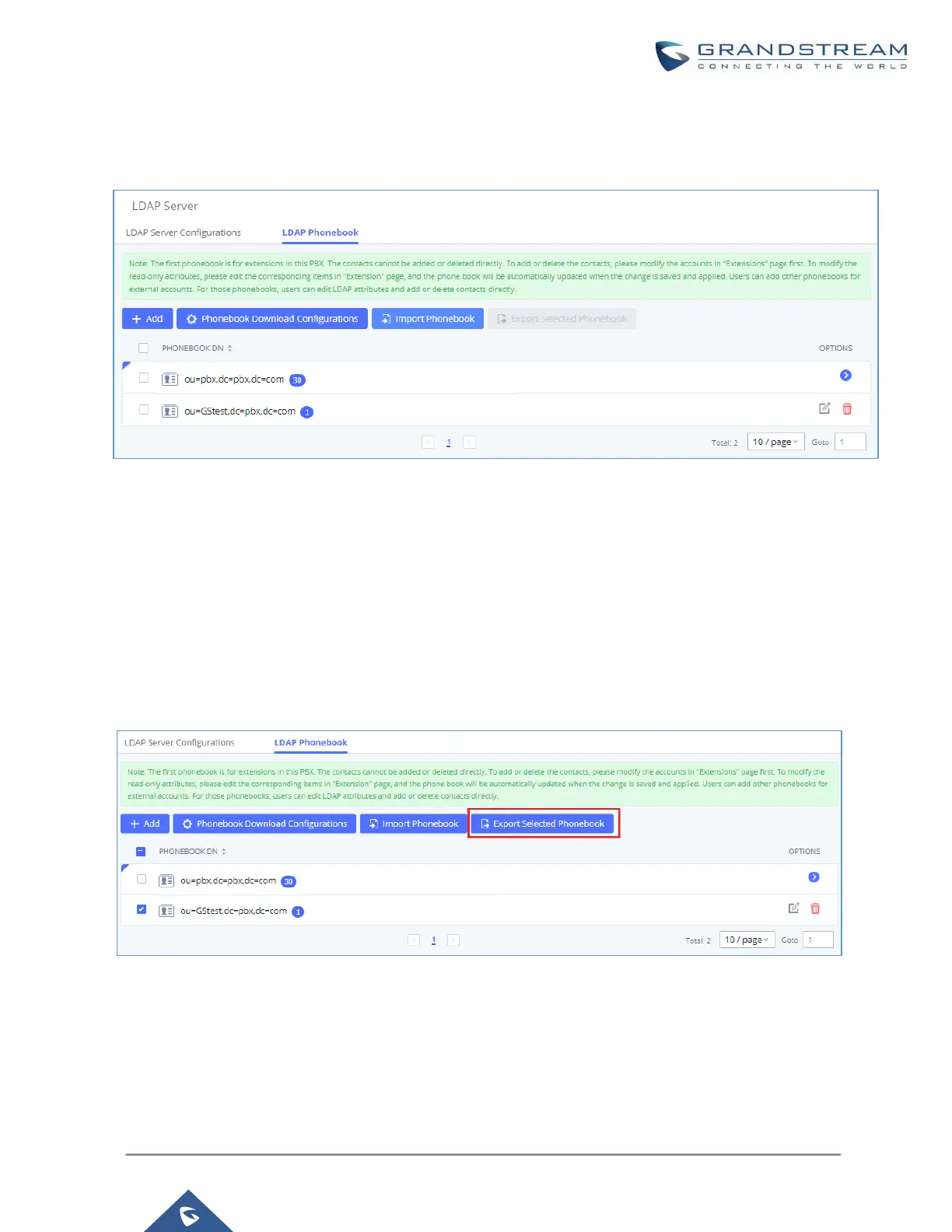
Figure 43: LDAP Phonebook After Import
As the default LDAP phonebook with DN “ou=pbx,dc=pbx,dc=com” cannot be edited or deleted in LDAP
phonebook section, users cannot import contacts with Phonebook DN field “pbx” if existed in the CSV file.
Export phonebook to your computer from UCM630xA LDAP server
Select the checkbox for the LDAP phonebook and then click on “Export Selected Phonebook” to export the
selected phonebook. The exported phonebook can be used as a record or a sample CSV, VFC or XML file for
the users to add more contacts in it and import to the UCM630xA again.
Figure 44: Export Selected LDAP Phonebook



 To Next Page
 Loading...




