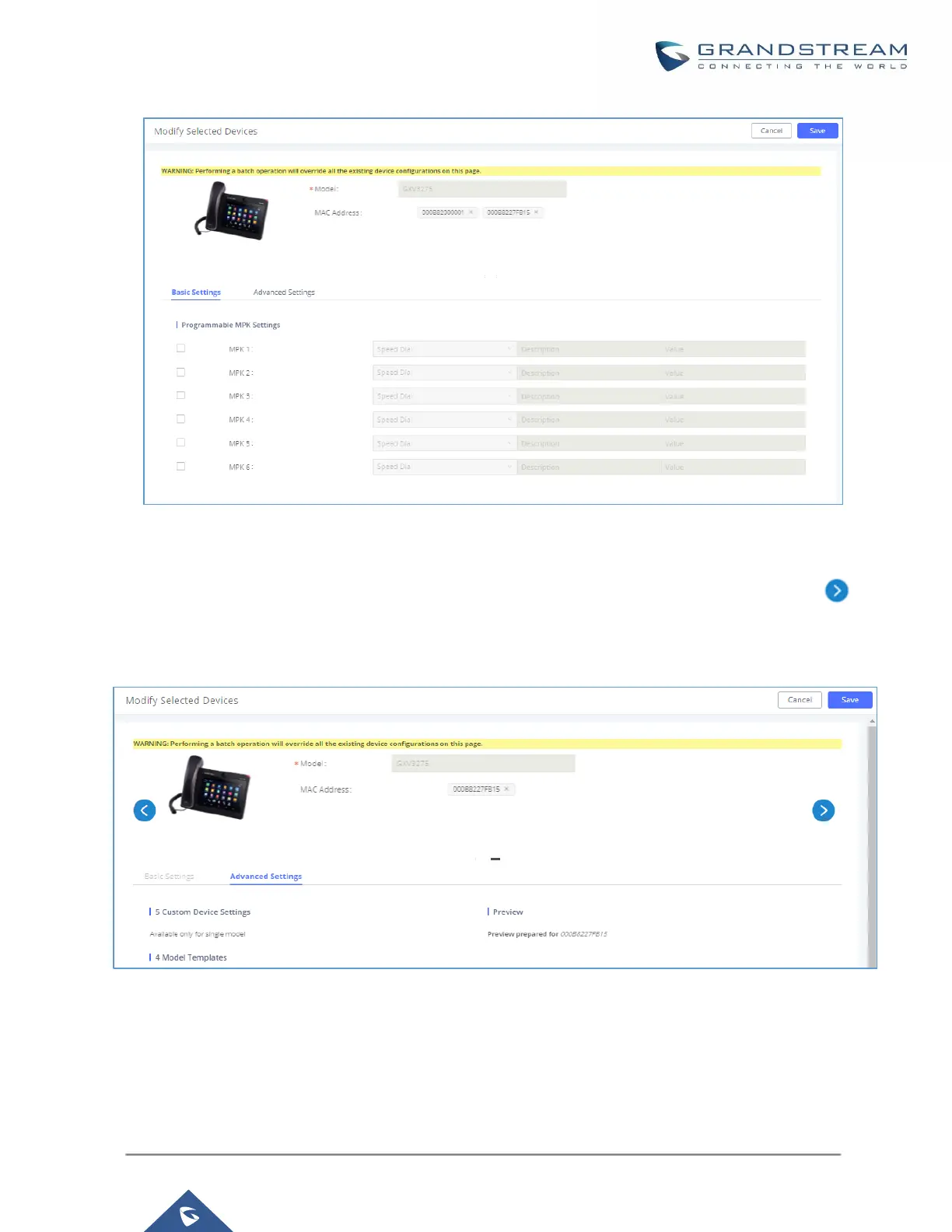
Figure 75: Modify Selected Devices - Same Model
If selected devices are of different models, the configuration dialog is like the following figure. Click on to
view more devices of other models. Users are only allowed to make modifications in Global Templates and
Global Policy level.
Figure 76: Modify Selected Devices - Different Models
Note: Performing batch operation will override all the existing device configuration on the page.



 To Next Page
 Loading...




