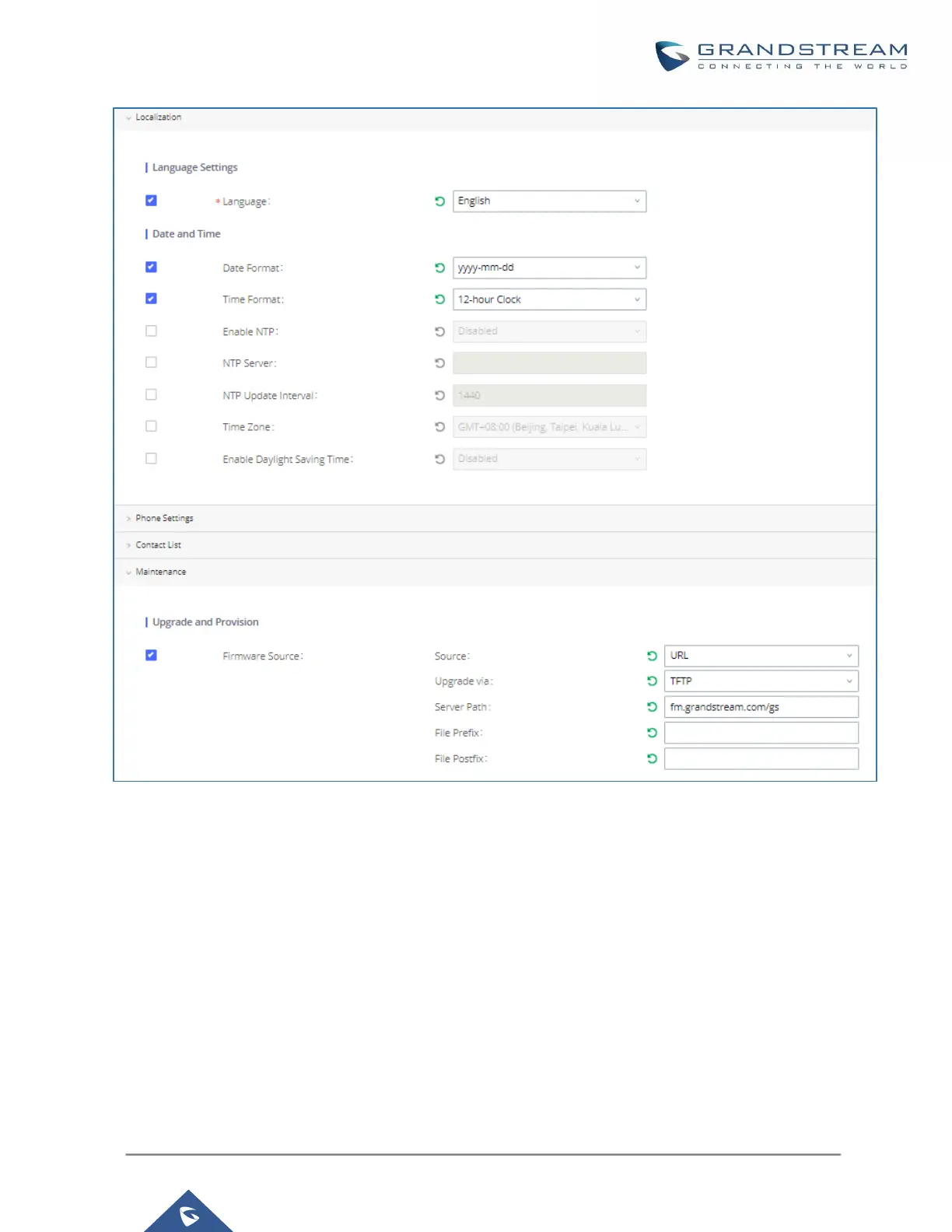
Figure 78: Zero Config Sample - Global Policy
3. Go to Web GUIValue-added FeaturesZero ConfigModel Templates, create a new model template
“English Support Template” for GXP2170. Add option “Language” and set it to “English”. Then select the
option “Default Model Template” to make it the default model template.
4. Go to Web GUIValue-added FeaturesZero ConfigModel Templates, create another model template
“Spanish Support Template” for GXP2170. Add option “Language” and set it to “Español”.



 To Next Page
 Loading...




