UCM630xA Series User Manual
Version 1.0.9.10
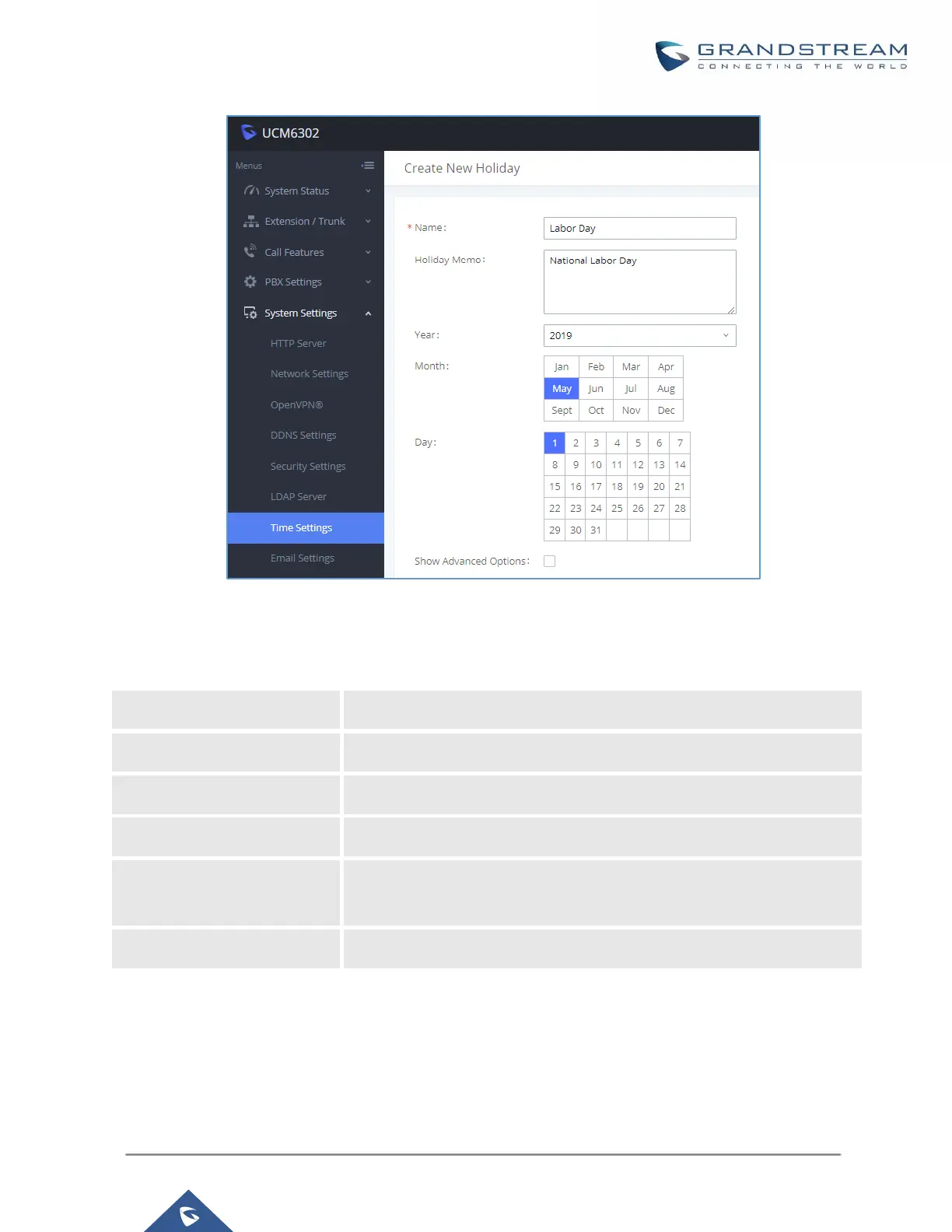
Figure 50: Create New Holiday
Table 23: Create New Holiday
Specify the holiday name to identify this holiday.
Create a note for the holiday.
Select the month for the holiday.
Select the day for the holiday.
Check this option to show advanced options. If selected, please specify
the days as holiday in one week below.
Select the days as holiday in one week.
Enter holiday "Name" and "Holiday Memo" for the new holiday. Then select "Month" and "Day". The system
administrator can also define days in one week as advanced options. Once done, click on "Save" and then



 To Next Page
 Loading...




