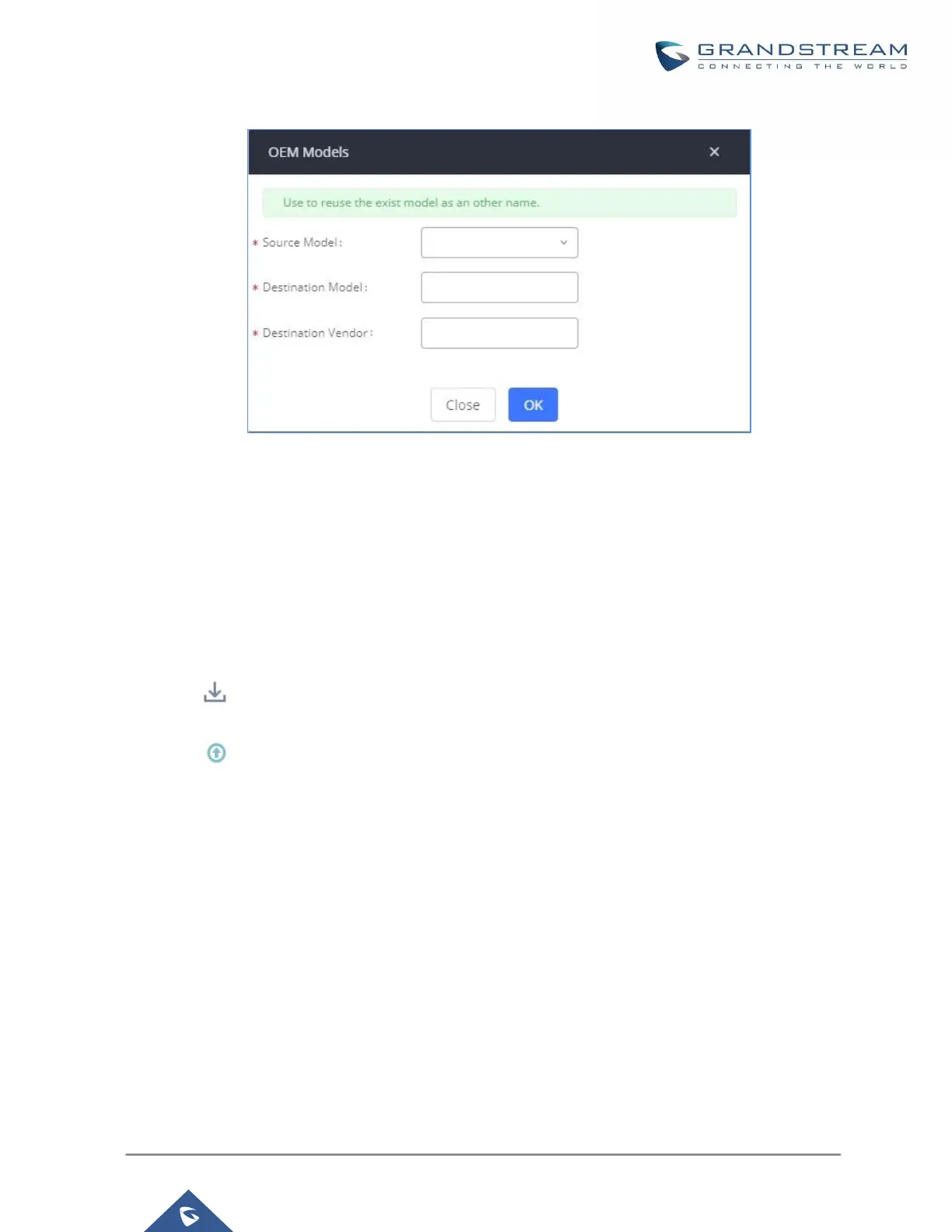
Figure 68: OEM Models
Model Template Package List
Templates for most of the Grandstream models are built in with the UCM630xA already. Templates for GS Wave
and Grandstream surveillance products require users to download and install under Web GUIValue-added
FeaturesZero ConfigModel Update first before they are available in the UCM630xA for selection. After
downloading and installing the model template to the UCM630xA, it will show in the dropdown list for “Model”
selection when editing the model template.
Click on to download the template.
Click on to upgrade the model template. Users will see this icon available if the device model has
template updated in the UCM630xA.


 To Next Page
 Loading...





