Figure 80: Zero Config Sample - Device Preview 2
Select “Spanish Support Template” in “Model Template”. The preview of the device settings is displayed on the
right side and we can see the language is set to “Español” since Model Template has the higher priority for the
option “Language”, which overrides the value configured in default model template.
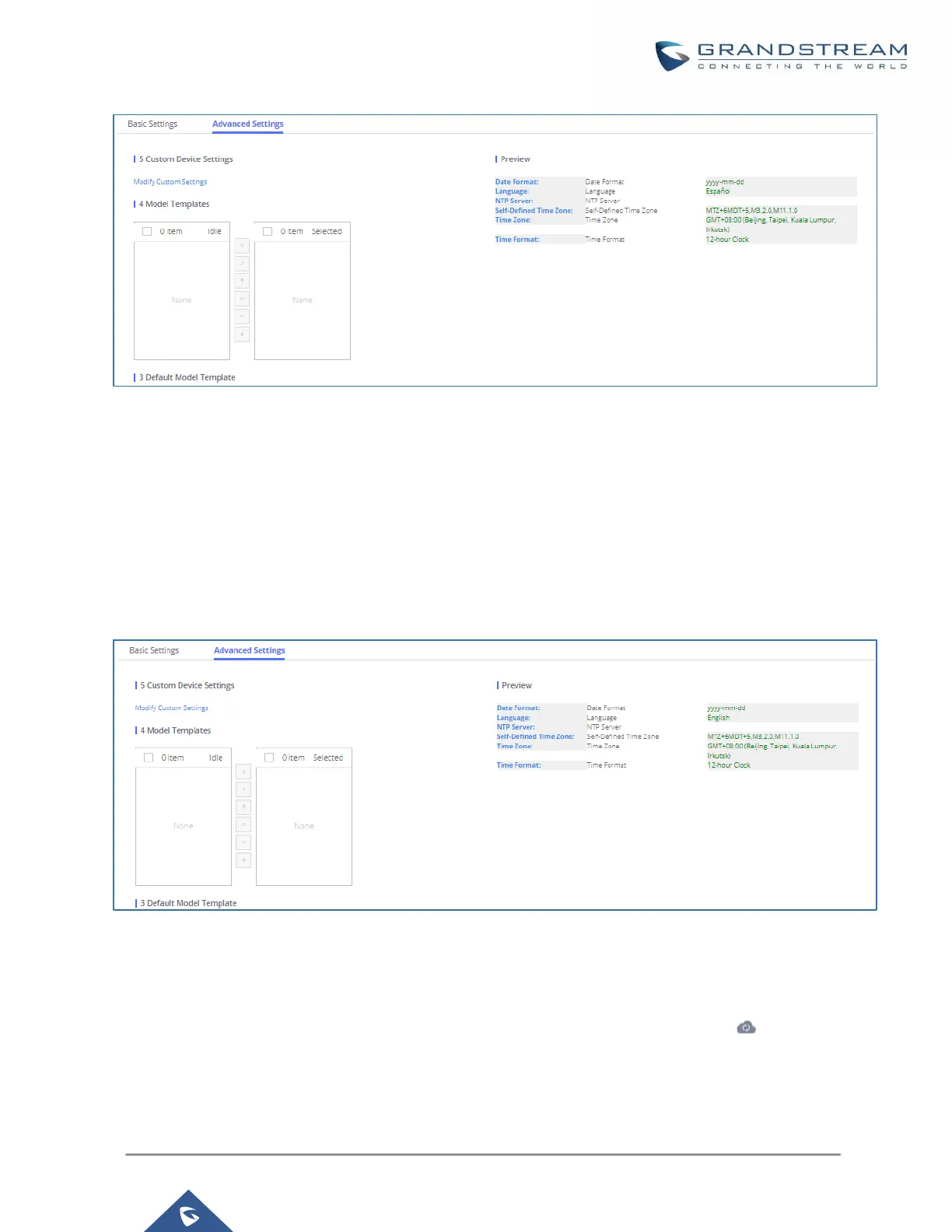
9. For the GXV3275 used by the customer support supervisor, select an available extension for account 1 on
“Basic settings” and click on “Save”. Users can see the preview of the device configuration in “Advanced
settings”. There is no model template configured for GXV3275.
Figure 81: Zero Config Sample - Device Preview 3
10. Click on “Apply Changes” to apply saved changes.
11. On the Web GUIValue-added FeaturesZero ConfigZero Config page, click on to send NOTIFY
to trigger the device to download config file from UCM630xA.



 To Next Page
 Loading...




