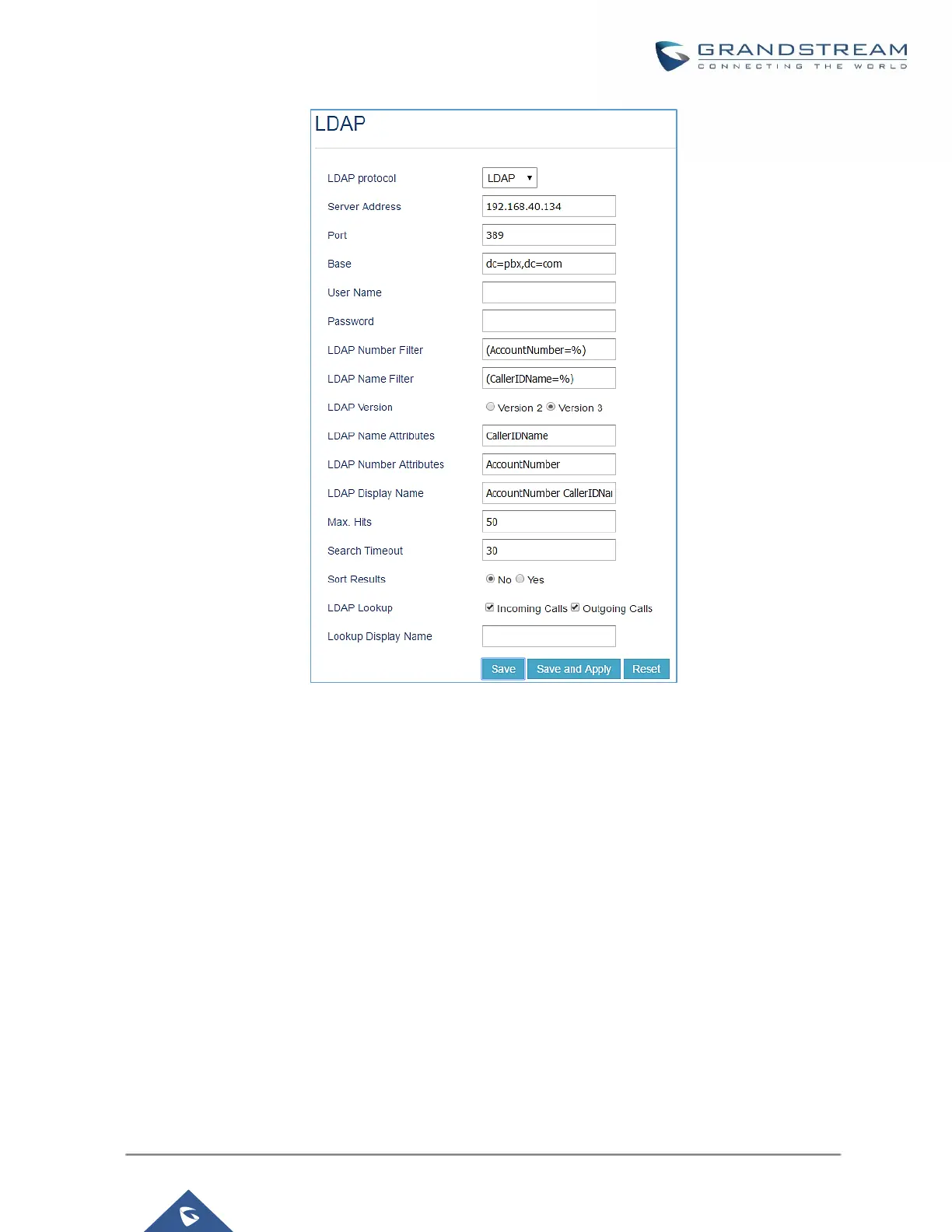
Figure 46: GXP2170 LDAP Phonebook Configuration
Time Settings
Automatic Date and Time
The current system time on the UCM630xA can be found under Web GUISystem StatusDashboardPBX
Status.
To configure the UCM630xA to update time automatically, go to Web GUISystem SettingsTime
SettingsAutomatic date and Time.
Note:
The configurations under Web GUISettingsTime Settings Automatic date and Time page require
reboot to take effect. Please consider configuring auto time updating related changes when setting up the
UCM630xA for the first time to avoid service interrupt after installation and deployment in production.



 To Next Page
 Loading...




