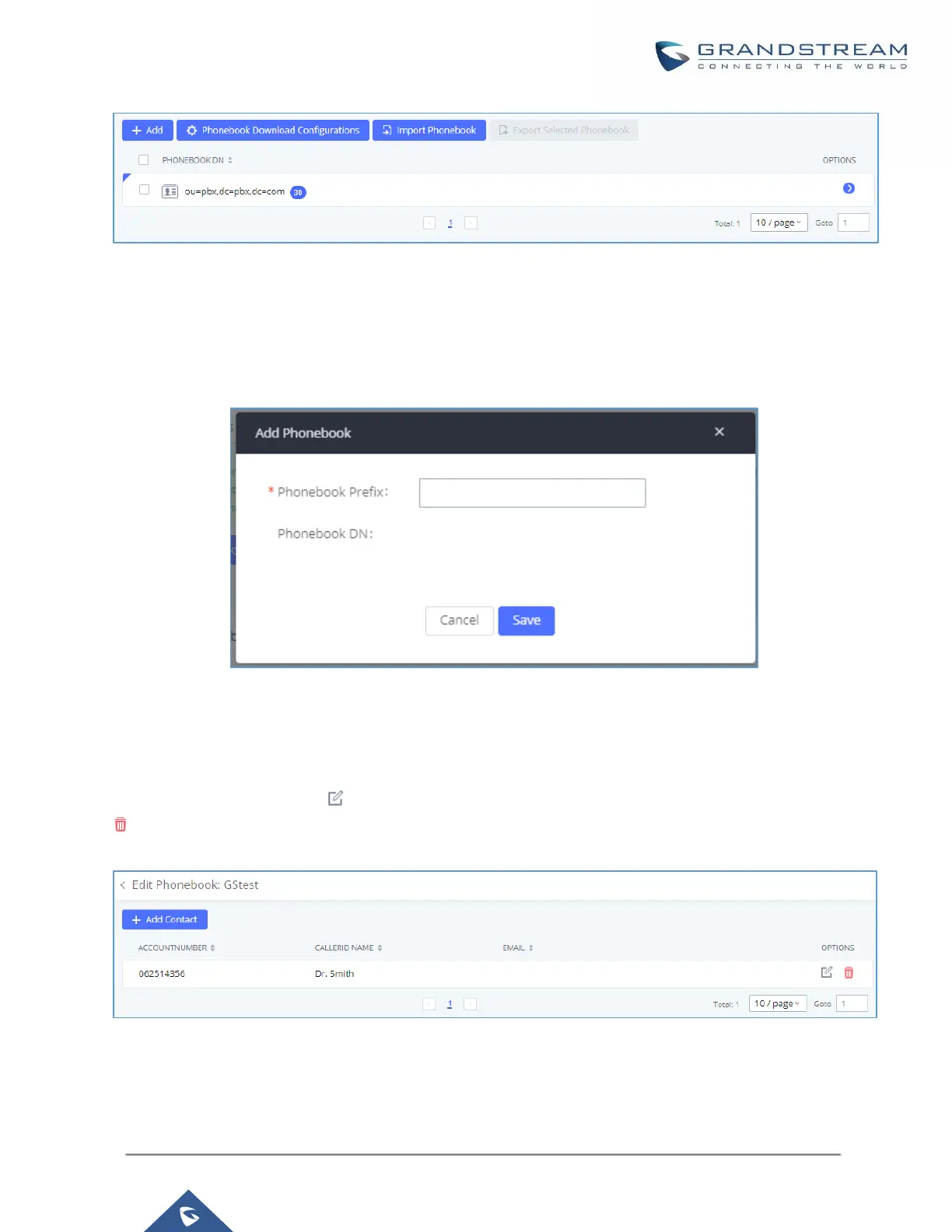
Figure 38: LDAP ServerLDAP Phonebook
Add new phonebook
A new sibling phonebook of the default PBX phonebook can be added by clicking on "Add" under "LDAP
Phonebook" section.
Figure 39: Add LDAP Phonebook
Configure the "Phonebook Prefix" first. The "Phonebook DN" will be automatically filled in. For example, if
configuring "Phonebook Prefix" as "people", the "Phonebook DN" will be filled with "ou=people,dc=pbx,dc=com".
Once added, users can select to edit the phonebook attributes and contact list (see figure below) or select
to delete the phonebook.
Figure 40: Edit LDAP Phonebook



 To Next Page
 Loading...




