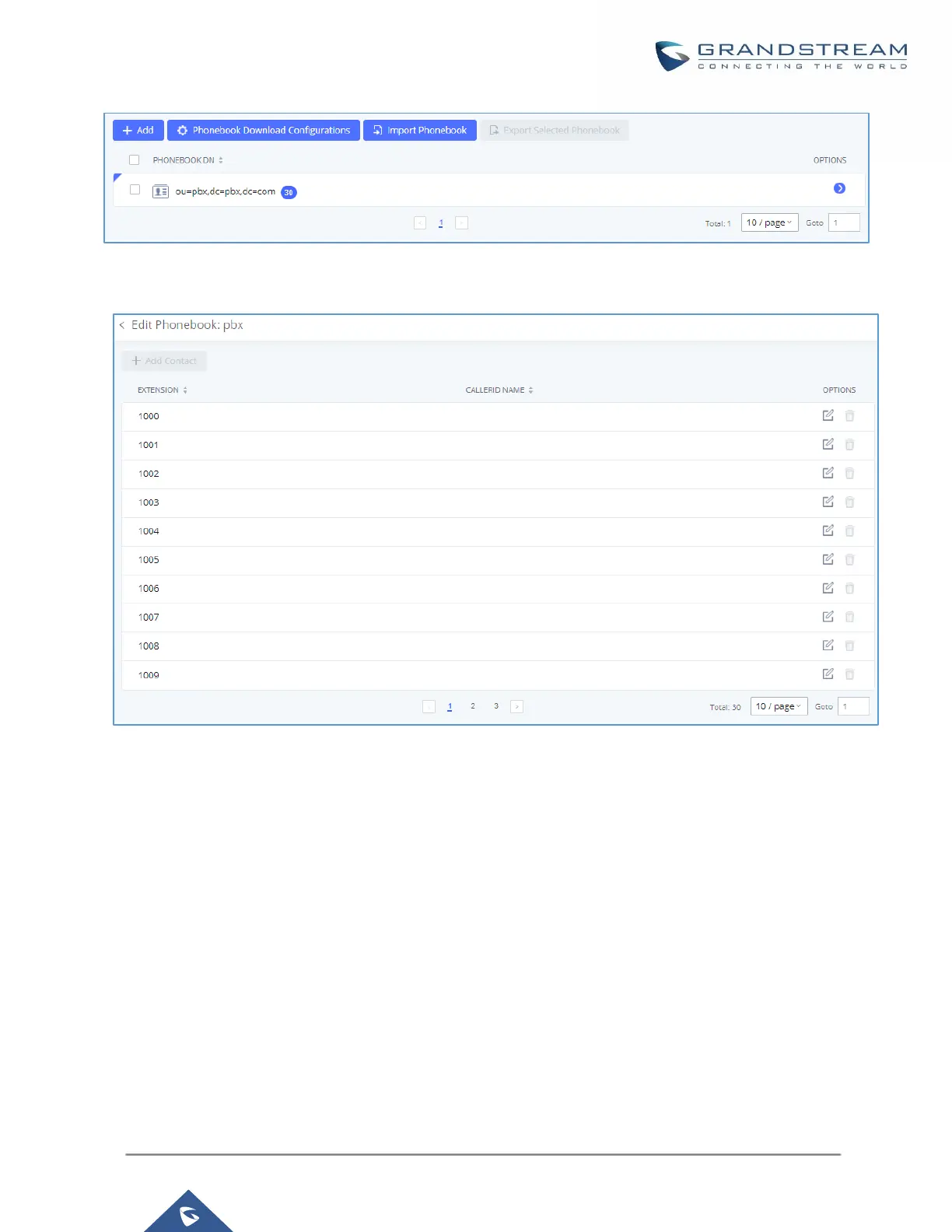
Figure 36: Default LDAP Phonebook DN
Figure 37: Default LDAP Phonebook Attributes
LDAP Phonebook
Users could use the default phonebook, edit the default phonebook, add new phonebook, import phonebook on
the LDAP server as well as export phonebook from the LDAP server. The first phonebook with default phonebook
dn "ou=pbx,dc=pbx,dc=com" displayed on the LDAP server page is for extensions in this PBX. Users cannot
add or delete contacts directly. The contacts information will need to be modified via Web
GUIExtension/TrunkExtensions first. The default LDAP phonebook will then be updated automatically.


 To Next Page
 Loading...





