FC9000-UM-251-9370 7-20
7 DISASSEMBLY AND REASSEMBLY
7.2.7 Replacing the Y-belt
How to detach the Y-belt
(1) Detach the right side cover (Refer to subsection 7.1.1.).
(2) Detach the left side cover (Refer to subsection 7.1.2.).
(3) Detach the control panel assembly (Refer to subsection 7.1.3.).
(4) Detach the center cover (Refer to subsection 7.1.4.).
(5) Detach the pen block (Refer to subsection 7.2.6.).
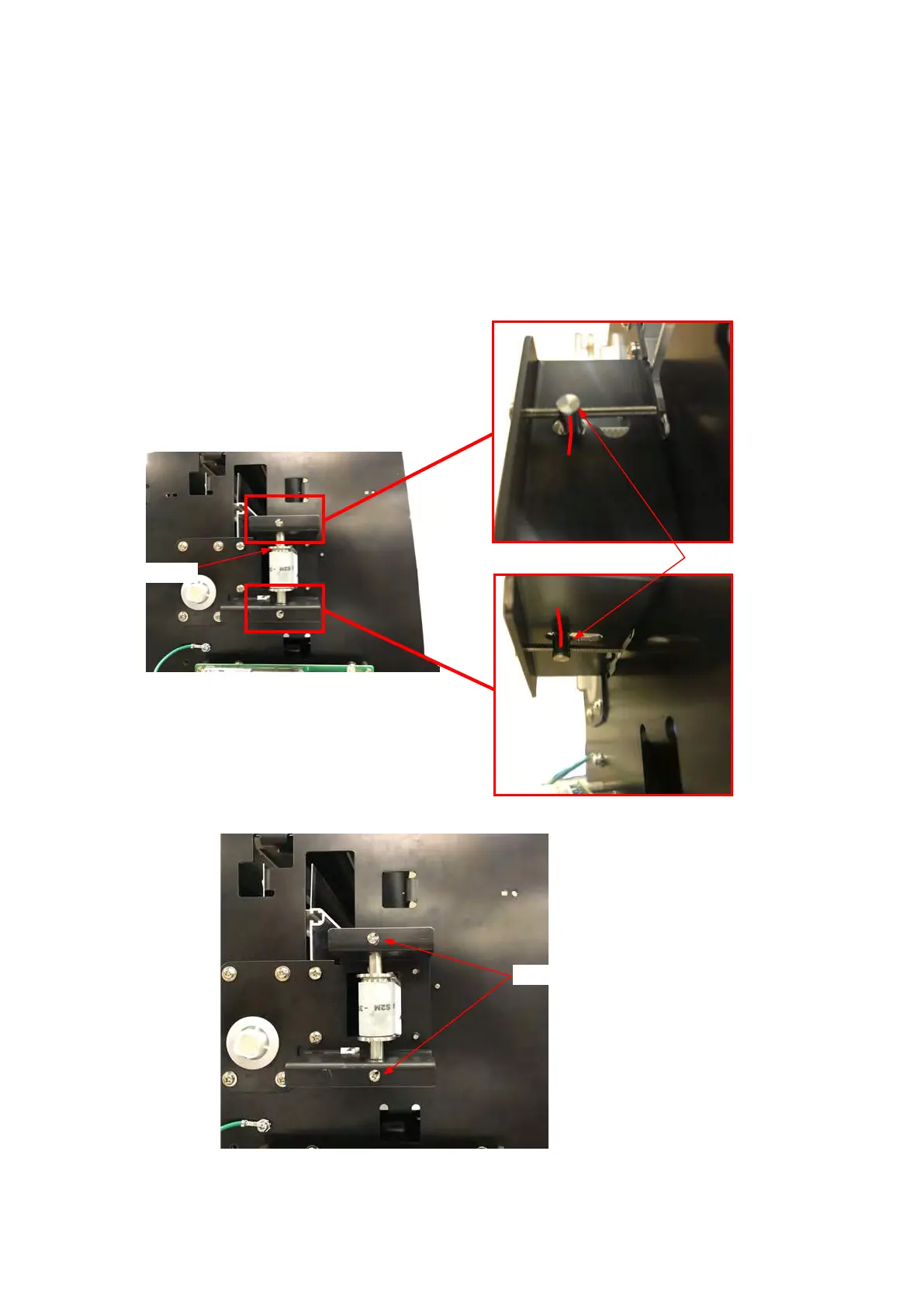
(6) Mark the position of Y idler pulley shaft as shown in picture below.
Y idler pulley Shaft
Y idler pulley
(7) Loosen the two M3L28 binding head screws adjusting the Y-belt tension.
M3L28 binding head screw










 To Next Page