Slicer/Applicator
SS-10.DOC:1/26/2007 11:08 AM
Grote Company
48
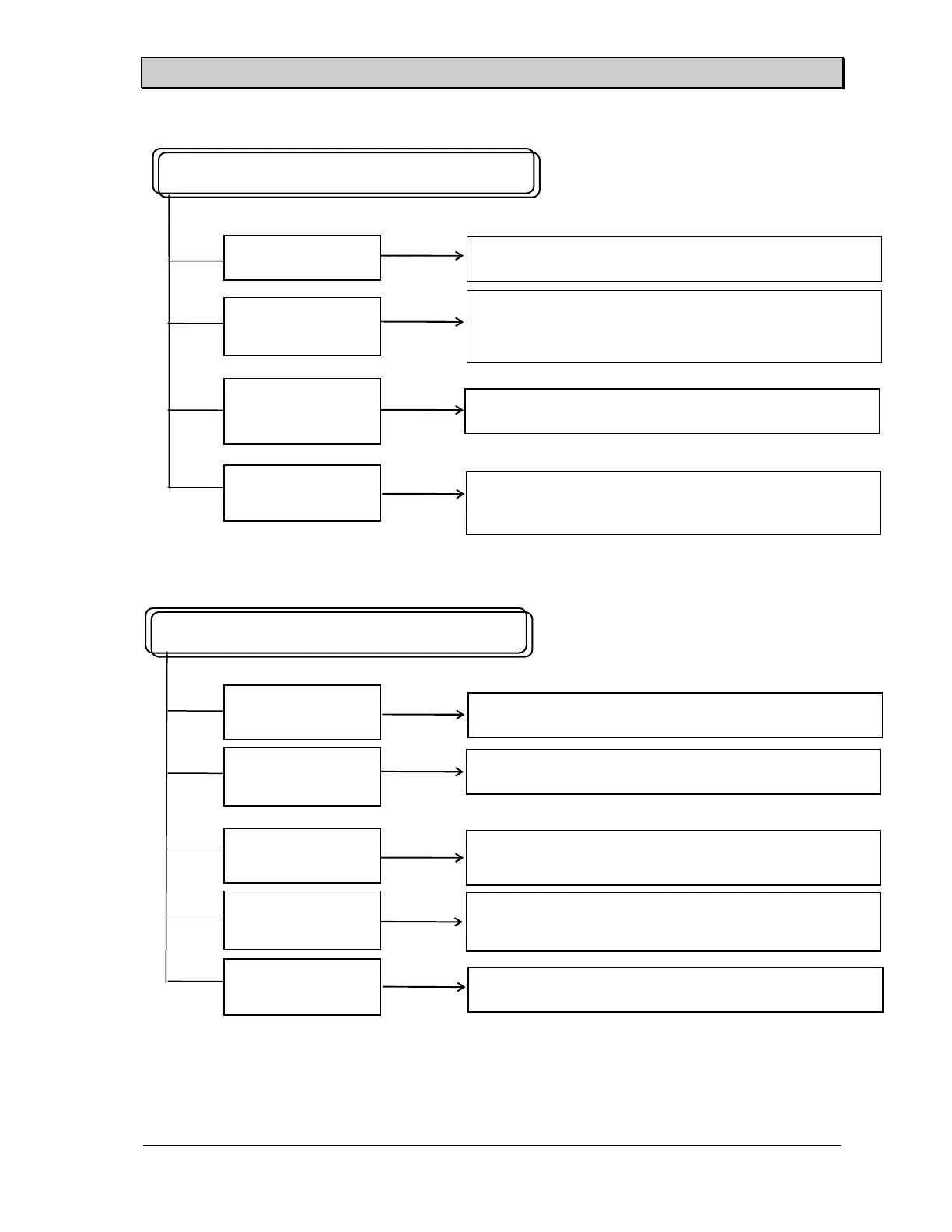
Chart 15: Breaking Blades
Chart 16: Won’t Count Or Dead Space
Not Enough Water
Check Limit Switch
and Activation
Breaking Blades
Won’t Count Or Dead Space
Blade Not Tracking
Correctly
Check Counter For
Input
Check blade and guide for product residue. Check water
reservoir and water applicator pad if provided. Retrack
according to manual (See Page 29).
Check counter for voltage input from limit switch.
Blade Tension Spring
Worn, Broken, or
Rusty
Check TDR For
Output
(Non Water Injected Blade Guide) Fill water reservoir.
Check water applicator pad for product residue.
Check stroke length and adjust limit arm for activation.
Replace spring.
Check to see if the temperature is in the proper slicing
range.
Idle Side Bearing
Block Not Moving
Check Clutch And
Coil
Block must move freely with one hand. Clean if
necessary.
Check clutch for proper release. Springs may be locked
up. Lubricate, oil only.
Check Conveyor
Value For Voltage
Check for proper voltage at conveyor coil.



 To Next Page