User Manual
H3C S1526 Smart Ethernet Switch Chapter 2
Web-based Configuration
2-13
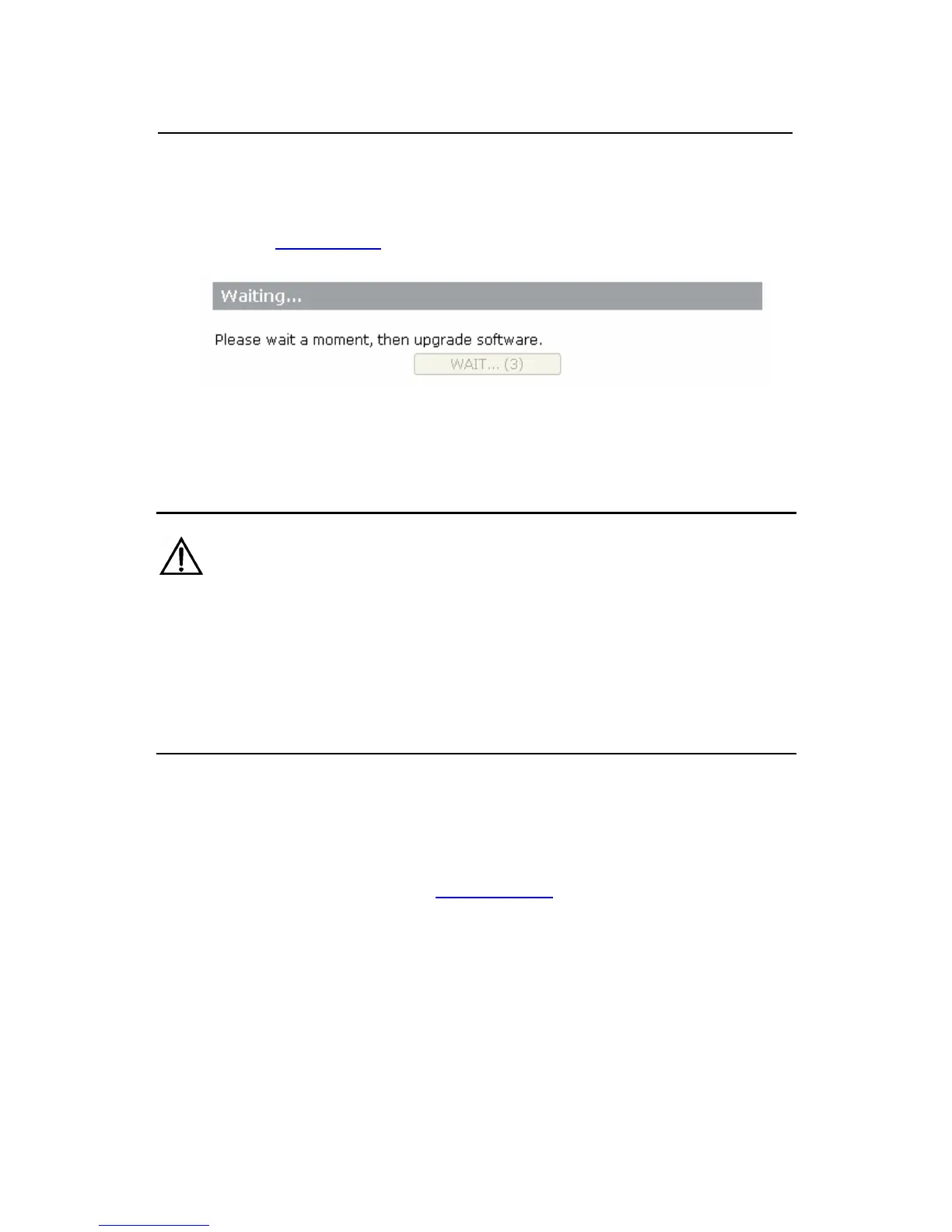
2) Click the <ENTER MAINTENANCE MODE> button to
enter the [Enter Maintenance Mode] page, as shown
in
Figure 2-9.
Figure 2-9 Entering maintenance mode
Caution:
Once you click <CONTINUE> and enter the [Software Upgrade]
page, you cannot go back to the previous step. If you do not
want to proceed with software upgrade, you need to manually
reboot the switch.
3) When the <WAIT...> button changes to <CONTINUE>,
click <CONTINUE> to enter the [Upgrade Software]
page, as shown in
Figure 2-10. Click <Browse> on the
[Upgrade Software] page, select the latest “.bin” file,
and then click <Upgrade>. The system will
automatically perform the software upgrade.



 To Next Page