User Manual
H3C S1526 Smart Ethernet Switch Chapter 2
Web-based Configuration
2-10
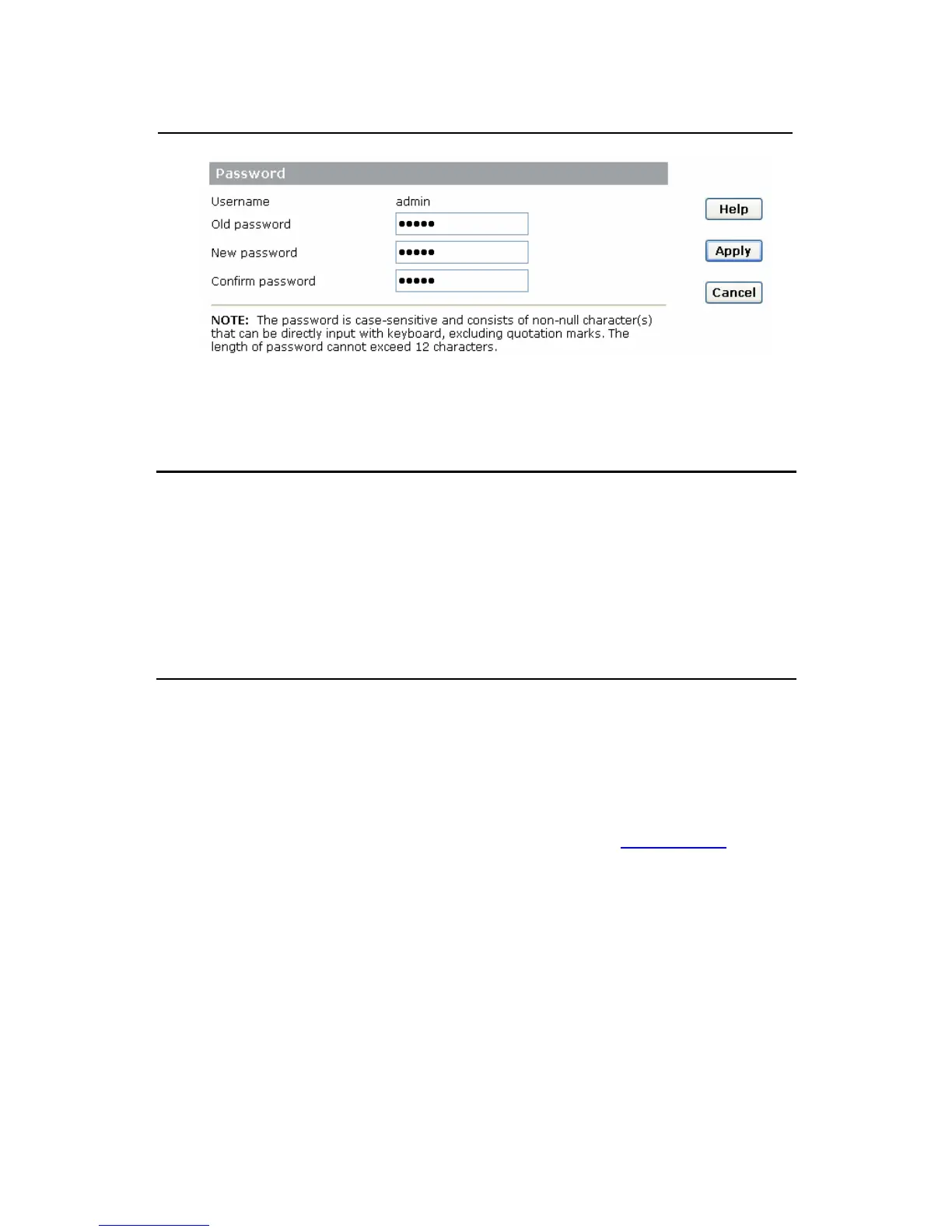
Figure 2-5 Change password
Note:
The password is case-sensitive and consists of non-null
character(s) that can be directly input with keyboard, excluding
space and quotation marks. The length of password cannot
exceed 12 characters.
2.4.3 Restore Default
Click [System/Restore Default]. The [Restore Factory
Default Settings] page appears, as shown in
Figure 2-6. Click
the <RESTORE> button, and click <Yes> in the confirmation
dialog box to restore the factory default settings.



 To Next Page
 Loading...