User Manual
H3C S1526 Smart Ethernet Switch Chapter 2
Web-based Configuration
2-12
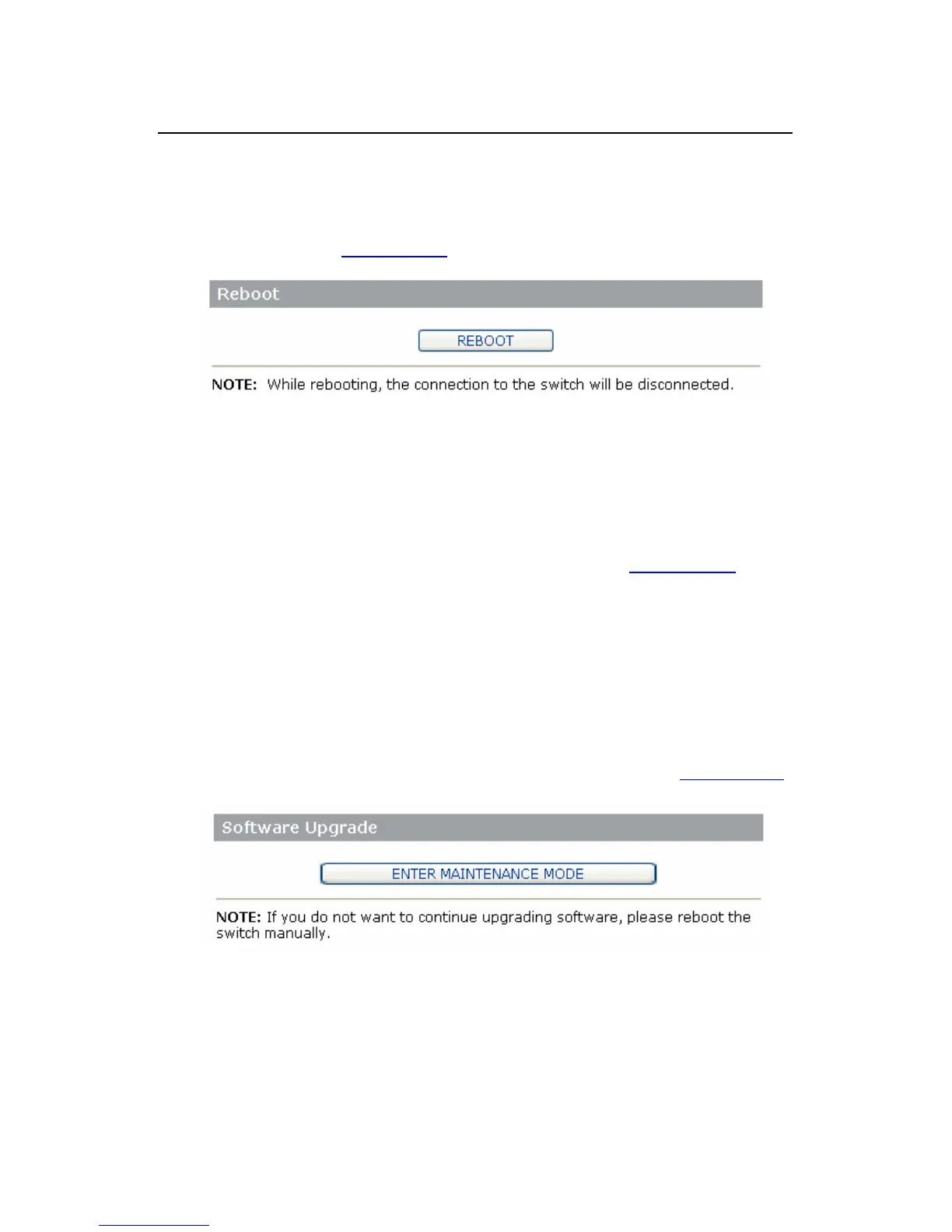
This operation allows you to reboot the switch remotely
Click [System/Reboot] to enter the [Reboot Switch] dialog
box, as shown in
Figure 2-7.
Figure 2-7 Reboot the switch
Click the <REBOOT> button, and click <Yes> in the
confirmation dialog box to reboot the switch and return to the
[Web-based NMS Login] screen, as shown in
Figure 2-1.
2.4.5 Upgrade
The S1526 Ethernet switch supports online software
upgrade. Take the following steps:
1) Click [System/Upgrade]. The [Upgrade Switch
Software] dialog box appears, as shown in
Figure 2-8.
Figure 2-8 Upgrade switch software



 To Next Page