User Manual
H3C S1526 Smart Ethernet Switch
Chapter 3 Configuration Through
Console Port
3-5
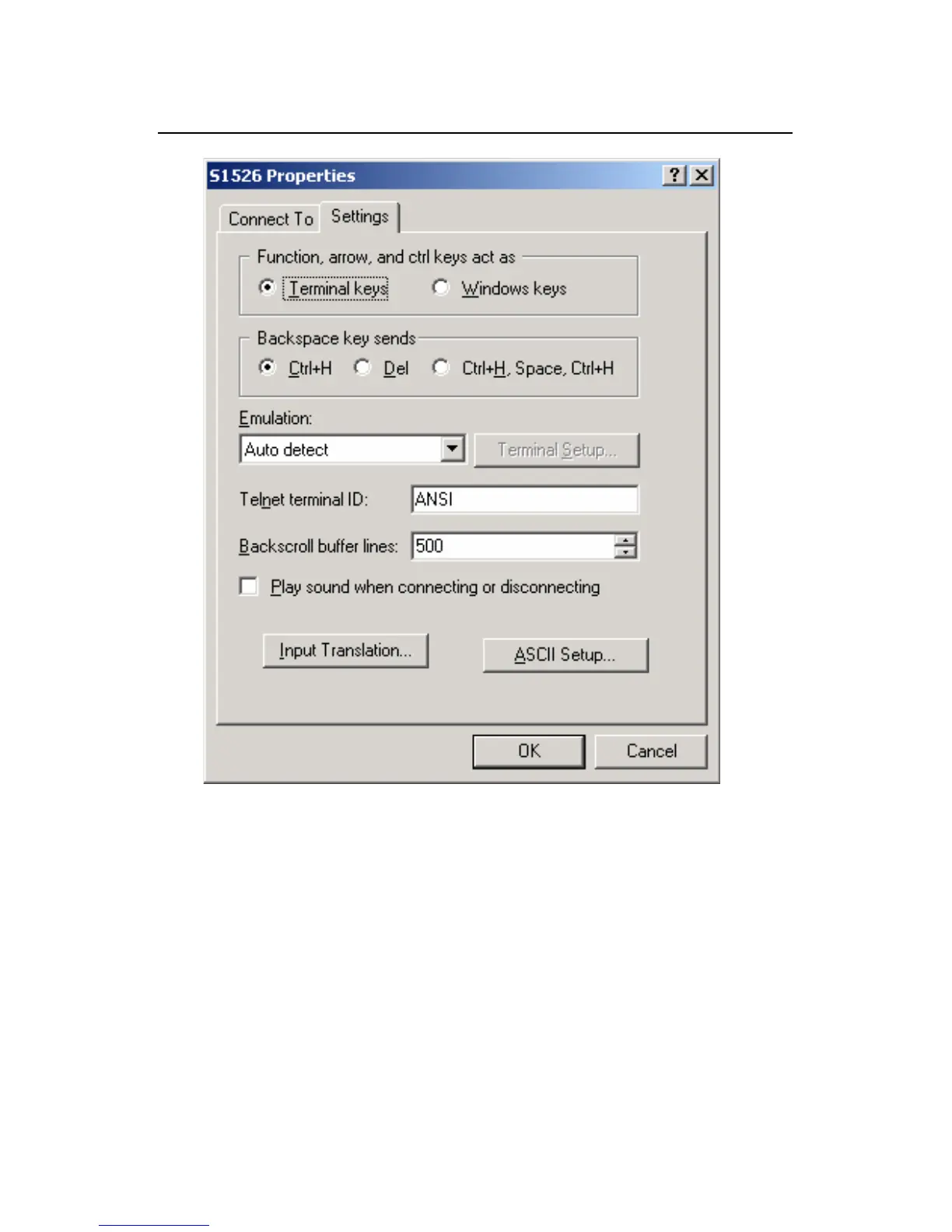
Figure 3-5 Terminal property settings
5) The console terminal will display the self test
information of the switch. Press <Enter> after the self
test completes to enter the main menu.
3.2 User Configuration
After you finish building the configuration environment, the
terminal displays a main menu as follows:



 To Next Page