102 6LE005550A
Starting, commissioning, operation
4.6 Start-up and configuration via the HTD210H display
4.6.6 Activation of HTD210H
alarms
Alarm priorities
The display manages the alarm warnings according to their level of priority
Priority Actions
Alarm stored as
an event
Stored in the list
of active alarms (*)
Alarm LED
flashing
Alarm notification
(**)
Low x
Average x x x
High x x x x
(*) Stored in the list of active alarms:
In Live mode only, an alarm icon is displayed above the context-sensitive key,
as a context icon. If no alarm notification window is displayed, you can view it
by pressing the context-sensitive key.
(**) Alarm notification:
The alarm notification window is displayed immediately (regardless of the mode).
Information
When an alarm with a "Low " priority appears, it is not notified on the display.
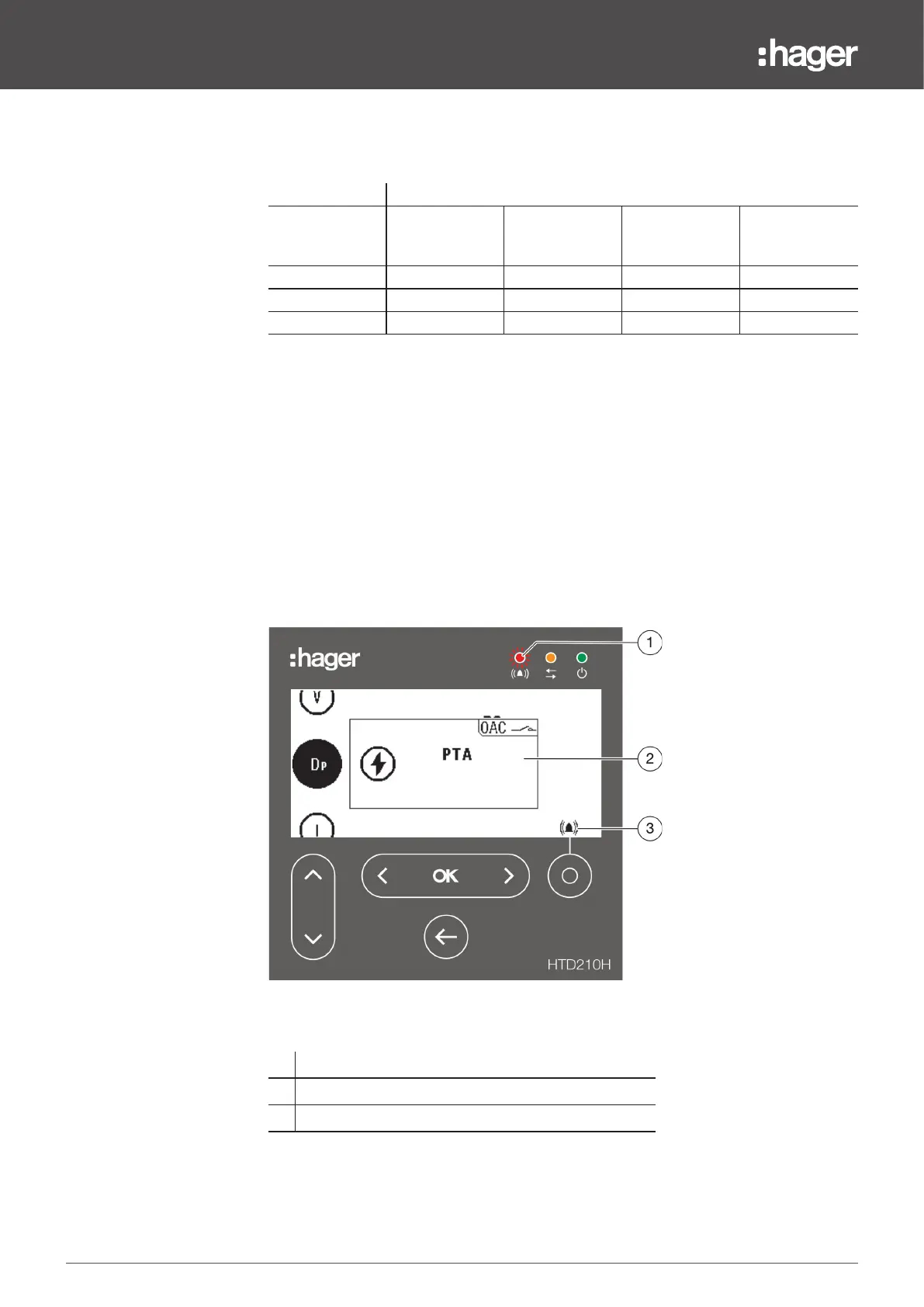
Alarm warnings
High priority alarms are indicated in an alarm notification window.
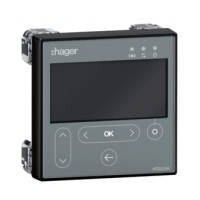
1
Alarm LED
2
Alarm notification
3
"List of active alarms" icon


 To Next Page