94 6LE005550A
Starting, commissioning, operation
4.6 Start-up and configuration via the HTD210H display
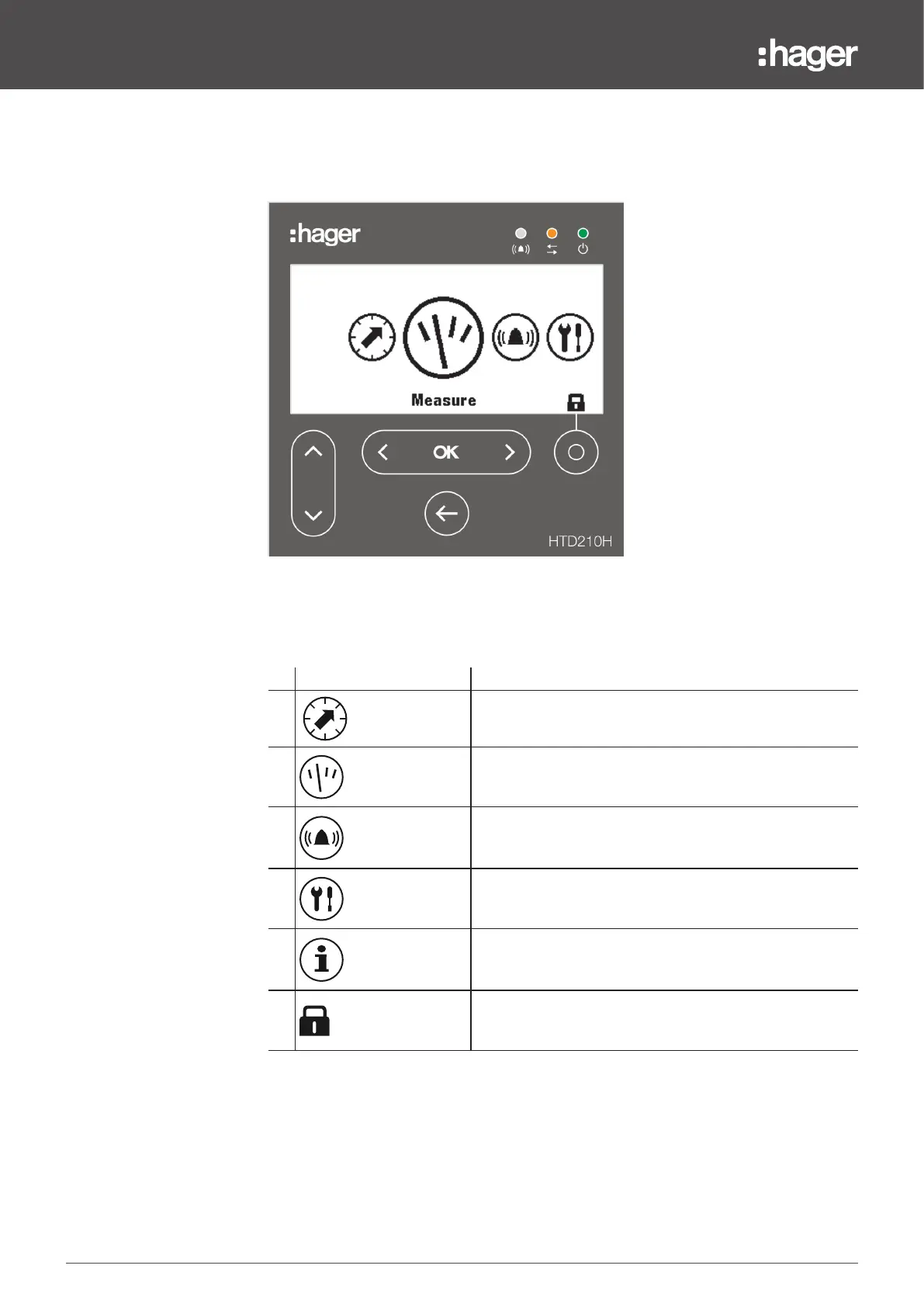
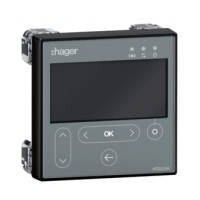
Main menus of the HTD210H display
HTD210H display menus
There are 5 main menus and a pop-up menu.
Menu Description
1
Protection: This menu enables the user to view the protection
parameters and to modify them if authorised to do so.
2
Measurement: This menu is used to view the measurement
values accessible from the display.
3
Alarm: This menu is used to configure the alarms, the PTA
output contact and the OAC output contact.
4
Configuration: This menu is used to set the measurement
parameters and display parameters.
5
Information: This menu is used to view the status of the circuit
breaker, the identification information and the alarm logs.
6
Pop-up unlock menu.
Consult the HTD210H panel display user manual for more information about the
panel display.


 To Next Page