Table of Content
10
By default the phone attempts to contact a DHCP server in your network in order to obtain its
valid network settings, e.g. IP address, subnet mask, default gateway, DNS server.
Status
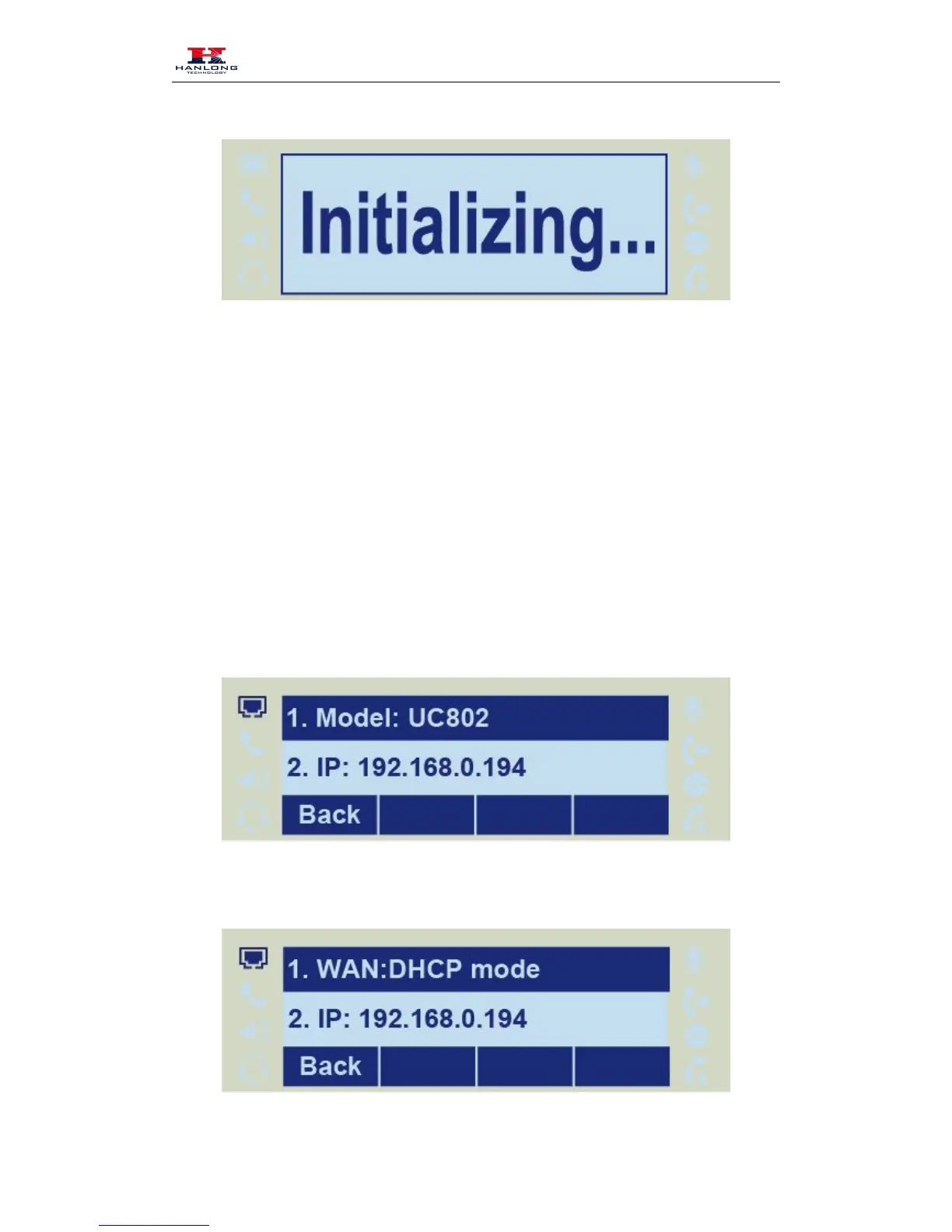
You can view the system status of your phone via phone user interface or web user interface. The
information of phone status includes: Information(e.g., Model, IP, MAC, Firmware, Hardware),
Network(e.g., WAN Type, IP, Mask, LAN Type, Gateway, DNS… )Account (e.g., register status
of accounts)
To view the phone status via phone interface:



 To Next Page