60. Click to save the configuration
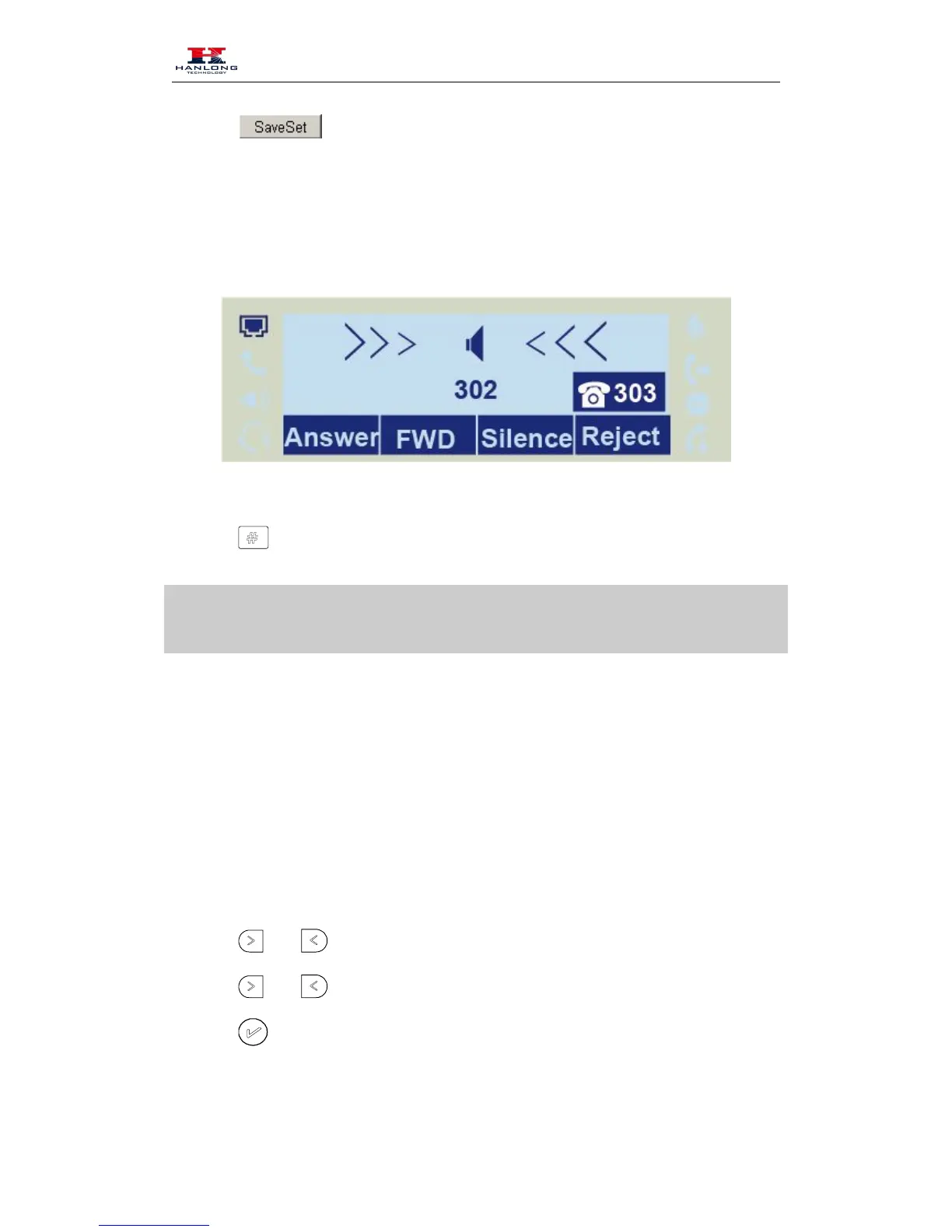
To configure dynamic forward
Forward an incoming call during the ringing.
61. When the phone is ringing, press Forward soft key.
62. Enter the forward number.
or press the send soft key, then the call is forwarded.
Note:
If the Programmable Key or line key is set as BLF, when an incoming call ringing, press this BLF
key directly to realize the dynamic forward.
Call Return
This feature allows you to dial the last phone call you received.
To configure the Call Return via phone interface
64. Press Menu → Features → Function Keys → Line or Memory keys as Function Keys →
65. Select the wanted Line or Memory key.
or press info soft key to select the Key Event in the type field.
or press info soft key to select the Call Return.
or Save soft key to save the configuration
To configure the Call Return via Web interface



 To Next Page