Table of Content
73
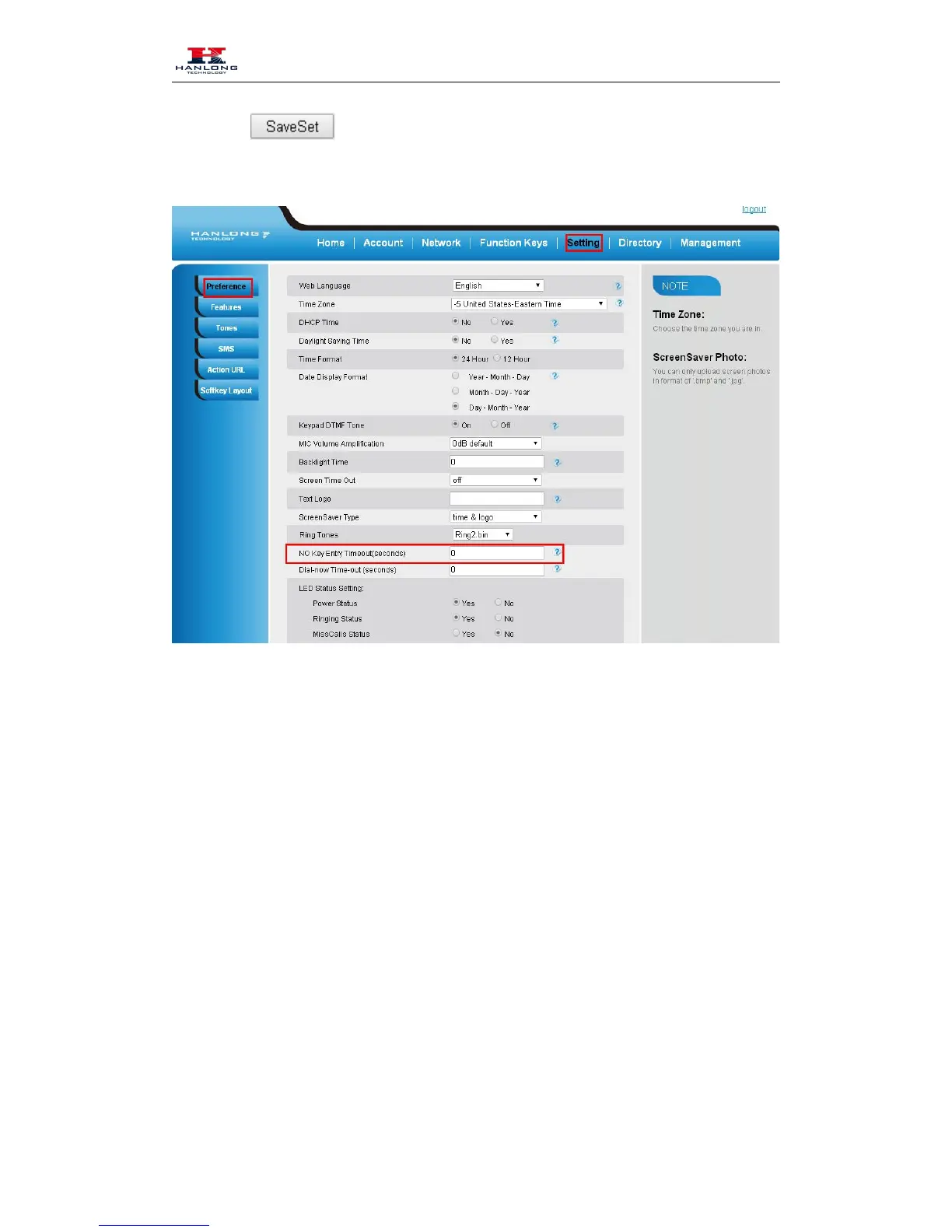
3. Click the to save the configuration.
Keypad Lock
To enable Keypad Lock via Phone
1. Press Menu--Settings--Advanced Setting--Phone Setting--Lock
2. Press Info or Switch to change choose lock type: All Keys Menu Key Function Key Lock &
Answer
3. Press Save or OK key to save the configuration.
To enable Keypad Lock via Phone



 To Next Page