Call log
You can access the call log of the BroadSoft user through the IP phone. The call log contains call
information such as remote party identification, time and date. You can check the call log and dial
a call from the call log list. The BroadSoft call log allows users to view and dial the stored
numbers in the following lists: missed, received, and placed. You can configure the IP phone to
access up to 3 call log items. Contact your system administrator for the access URL of the
BroadSoft call log.
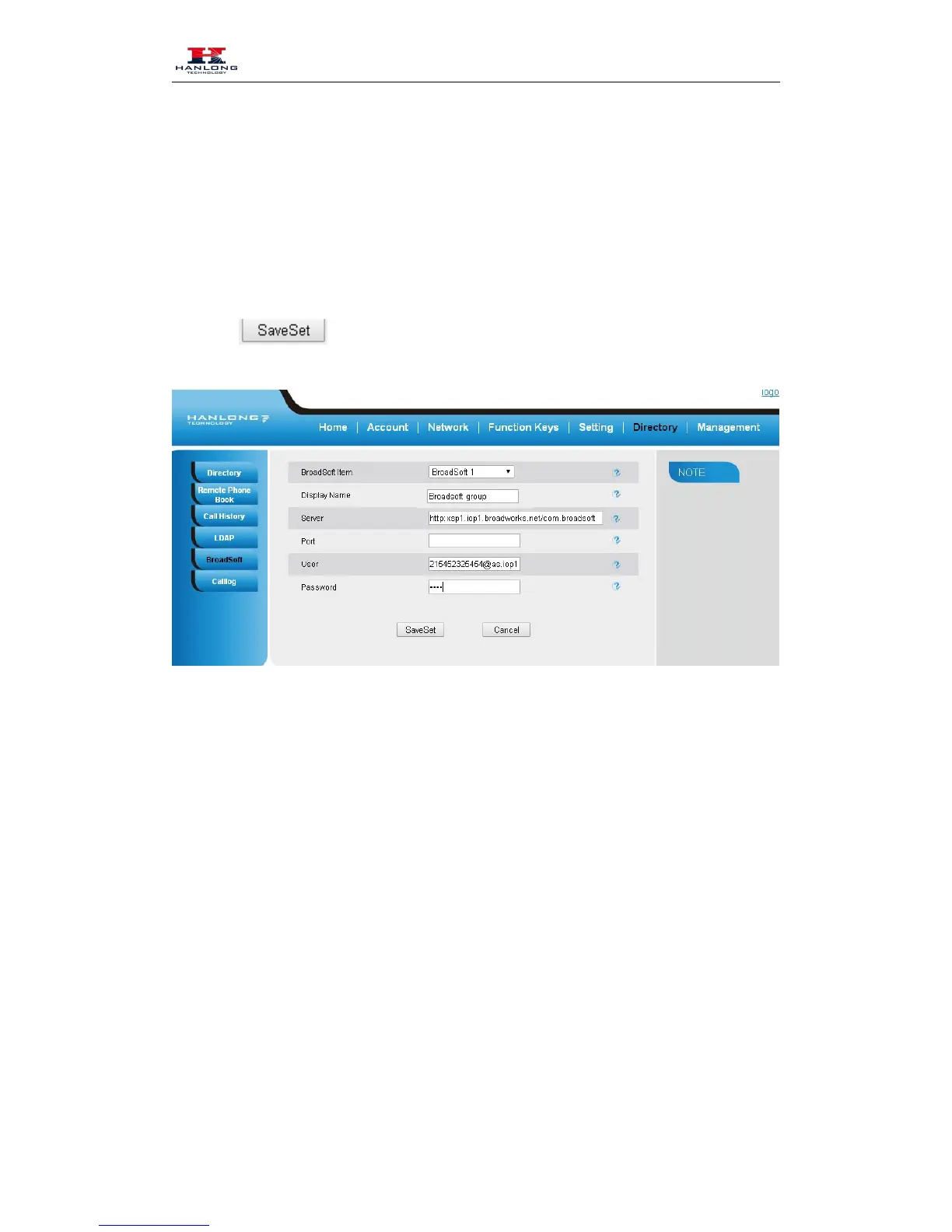
To Configure Call log via web interface:



 To Next Page