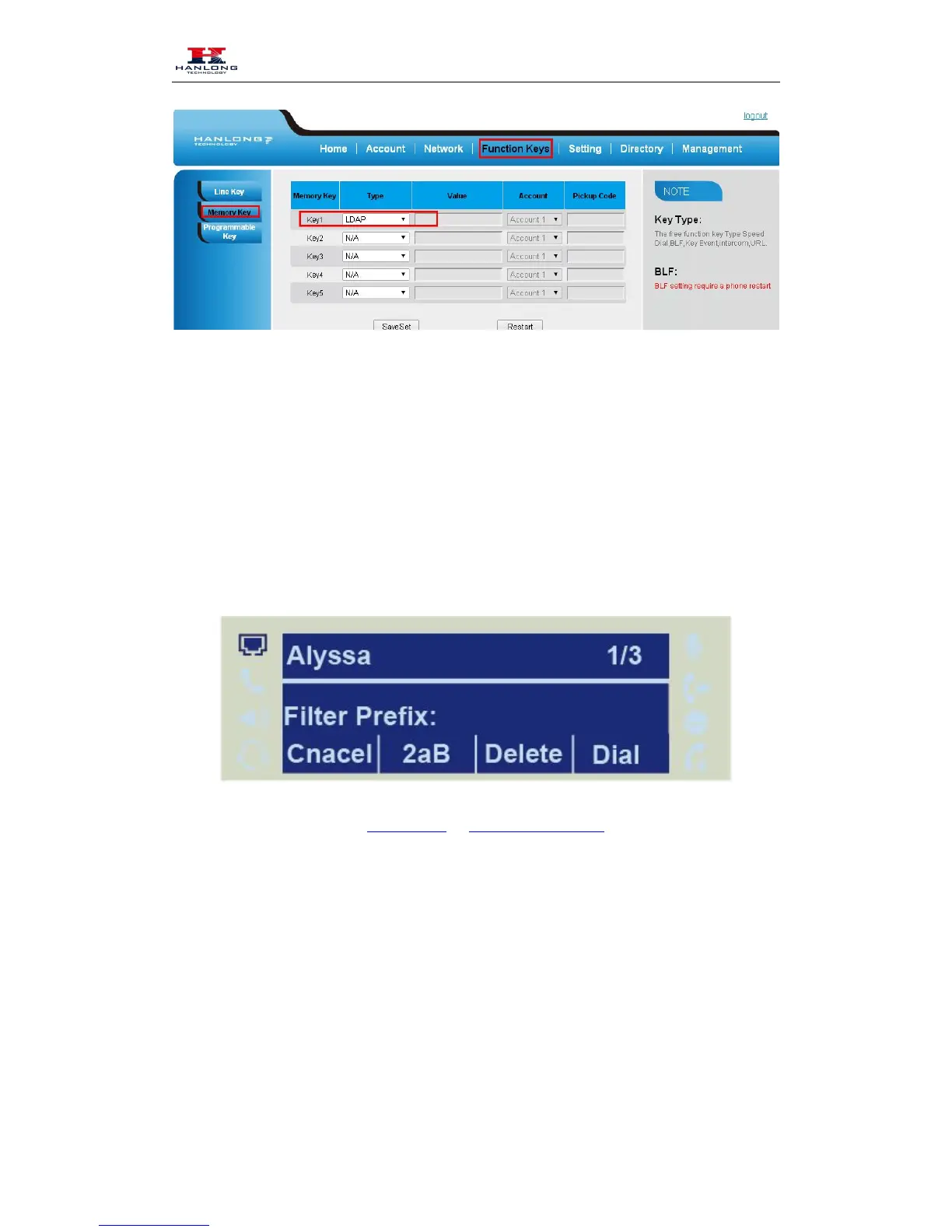
When press the LDAP Key the LCD will display as following:
For More detail, please refer to LDAP Notes on www.hanlongtek.com
Broadsoft Phonebook
You can access the BroadSoft directory through your phone. You can add local contacts from the
BroadSoft directory. You can also dial a contact from the BroadSoft directory. You can configure
your new phone to access up to 6 BroadSoft directories. Contact your system administrator for the
access URL of the BroadSoft directory.
To Configure Broadsoft via web interface:



 To Next Page