Table of Content
14
Name Description
1. Date&Time
It shows the phone’s time & date. For Date&time setting, see
Time&Date
2. Notice It shows the phone features status, More see Icon Preview
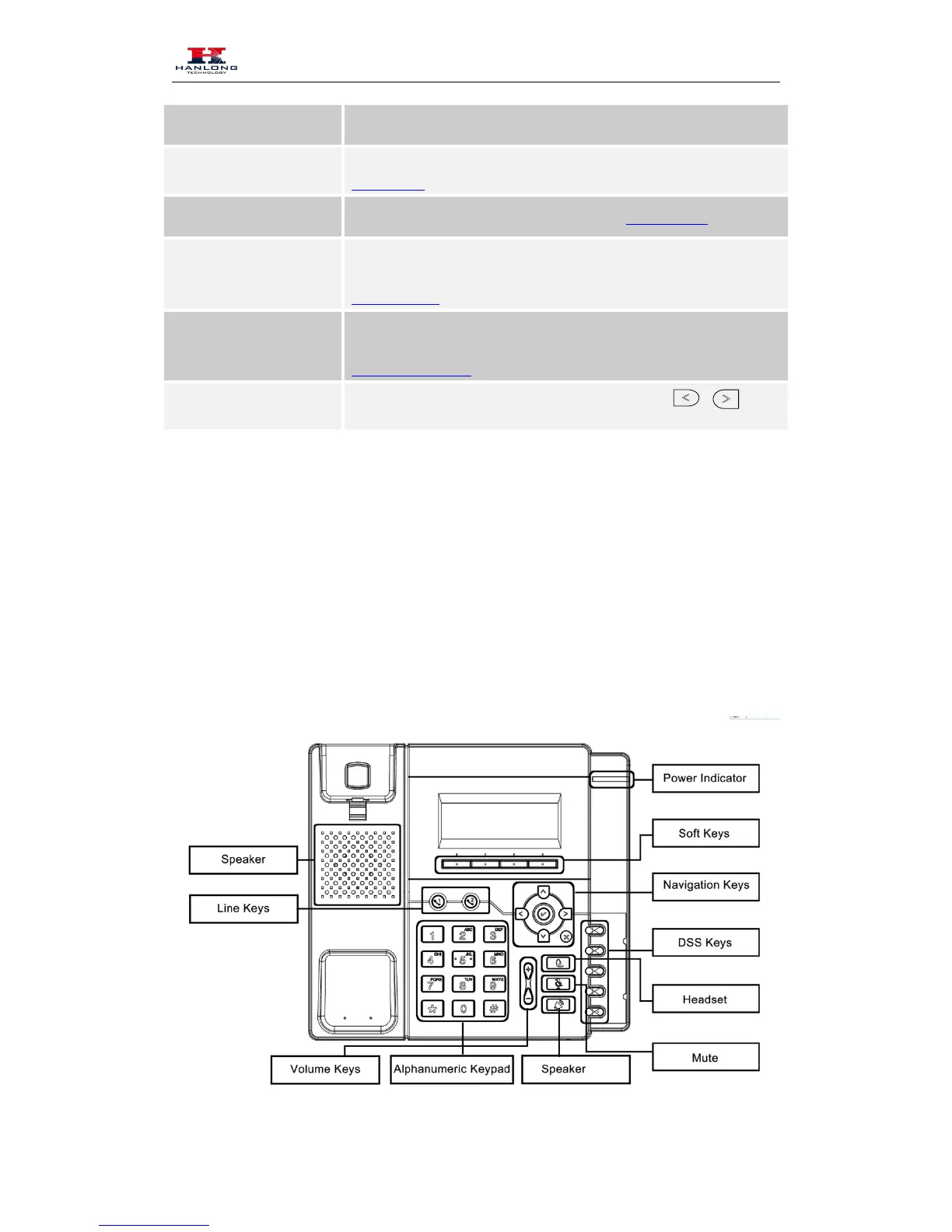
3. Line Keys
This area shows the four line key labels. Line keys are also can be
used as other function keys. For more information you can refer to
Memory Keys
4. Soft Key
This area shows the soft key labels. The default soft key labels are
“History”, “Directory”, “DND” and “Menu”. More to see
Programmable Key
5. Default Account



 To Next Page