Table of Content
15
Item Description
LCD screen
To Presentation all information about the date& time, accounts,
soft keys, messages, calls and other some information.
Power Indicator LED To indicate the power status
Line keys
The phone supported up to 4 accounts
1. Steady green: idle interface, during a call..
2. Blink red: a call incoming
Soft keys Labels automatically to identity their context-sensitive features.
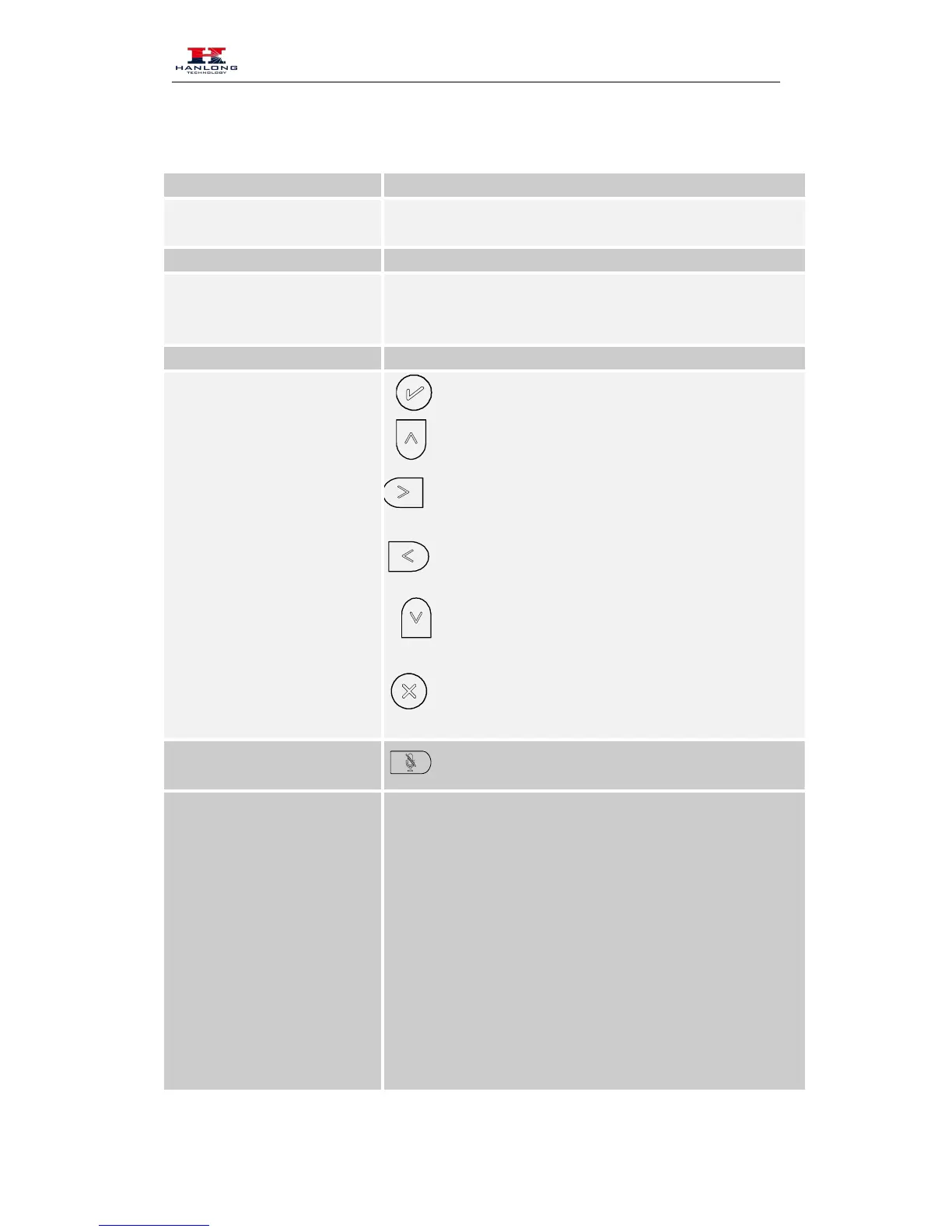
Navigation keys
Up arrow key: To move up of the selection shows on the
Right arrow key: To move right of the selection
Left arrow key: To move left of the selection shows on
Down arrow key: To move down of the selection shows
1. To return to idle screen.
2. To cancel the information or call on the screen.
1. To mute the voice during the call (green light).
Memory Keys
To be configured as different function as:



 To Next Page