EasyManua.ls Logo

Hanlong UC802(P) - Icon Preview

Hanlong UC802(P)
111 pages
Print Icon
To Next Page IconTo Next Page
To Previous Page IconTo Previous Page
Loading...
Table of Content
16
13. Conference
14. DND
15. Redial
16. Transfer
17. SMS
18. Hot -desking
19. Call Return
20. Paging
21. Record
22. Shared Line
The LED lights status when set as Shared line:
Stay green: Idle
Stay red: Busy
Blinked green: Ring Back
Blinked red: A call incoming
Steady orange: During a call
Blinked orange: Public Hold
Blinked green: Private Hold
Light Drown: Unregistered
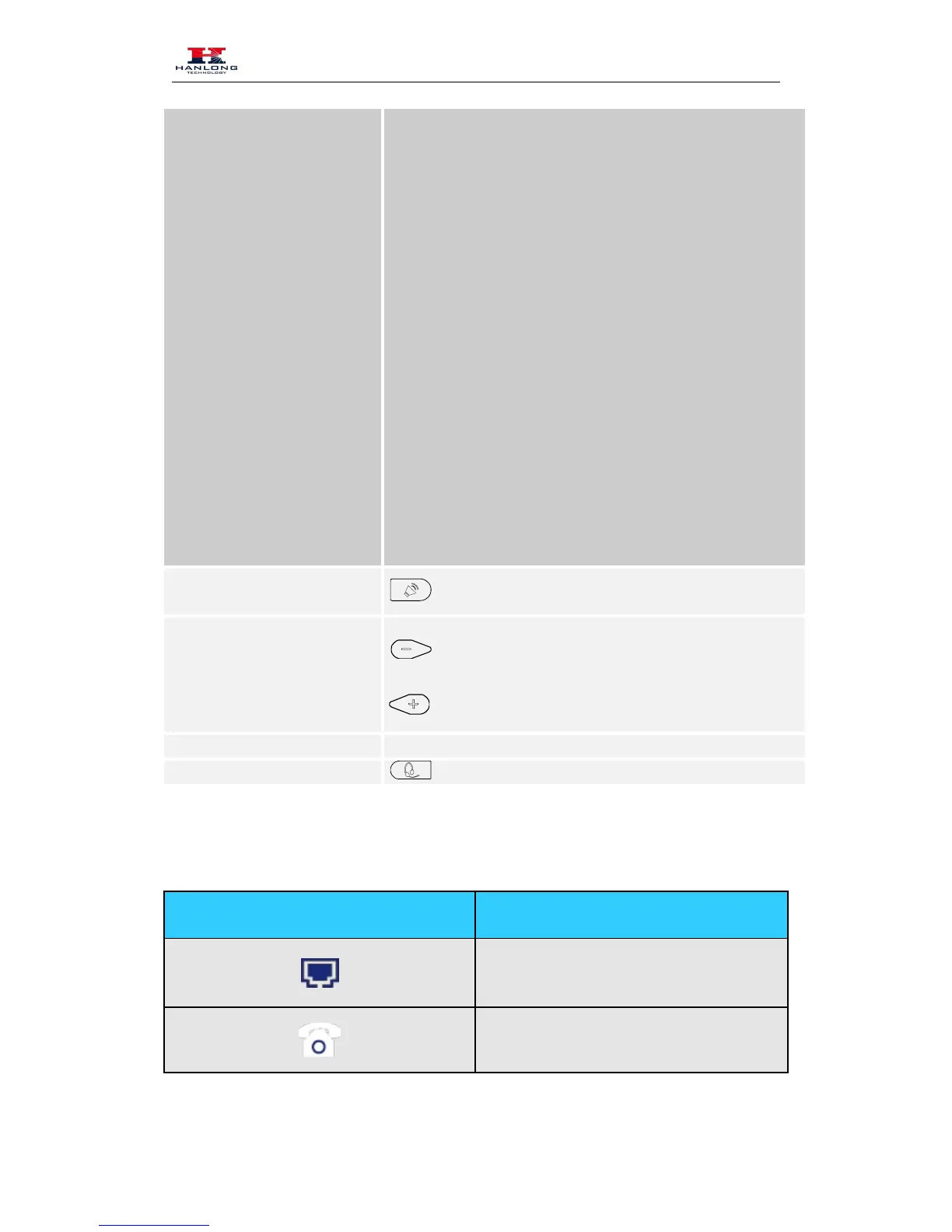
Speaker
Press this button to place a call in hands-free mode.
Volume
To decrease the volume.
To increase the volume.
Alphanumeric keypad To enter the phone numbers, letters and so on.
Headset
To indicate that the phone is or not in Headset mode.
Icon Preview
Icon Description
Network
Registered succeed

Table of Contents

Related product manuals